125 public releases
Each one signed with date and tag.
 SketchUp active
Preferences
SketchUp · 5 free creditsBeta open · SketchUp live · 5 free creditsSketchUp workflow live · 5 free credits · Batch rendering · Public portfolios next · Credits visible before AI
Visual workbench for architecture studios
Send your scenes, generate batch renders and organize a private visual gallery ready for review, proposals or portfolio.
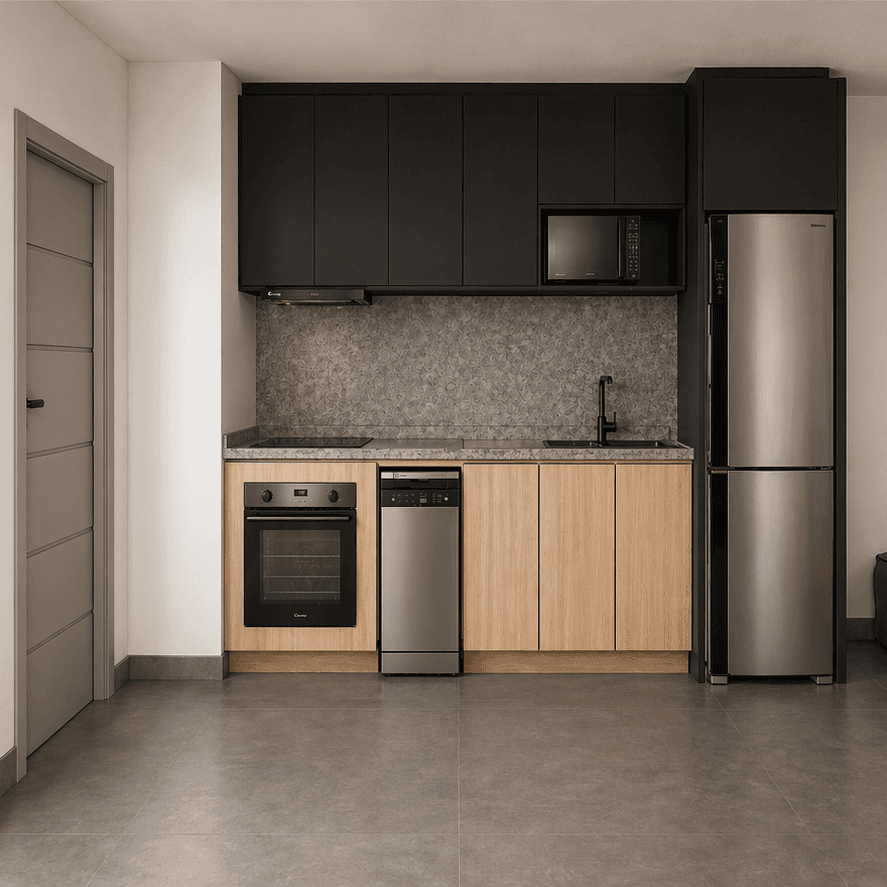
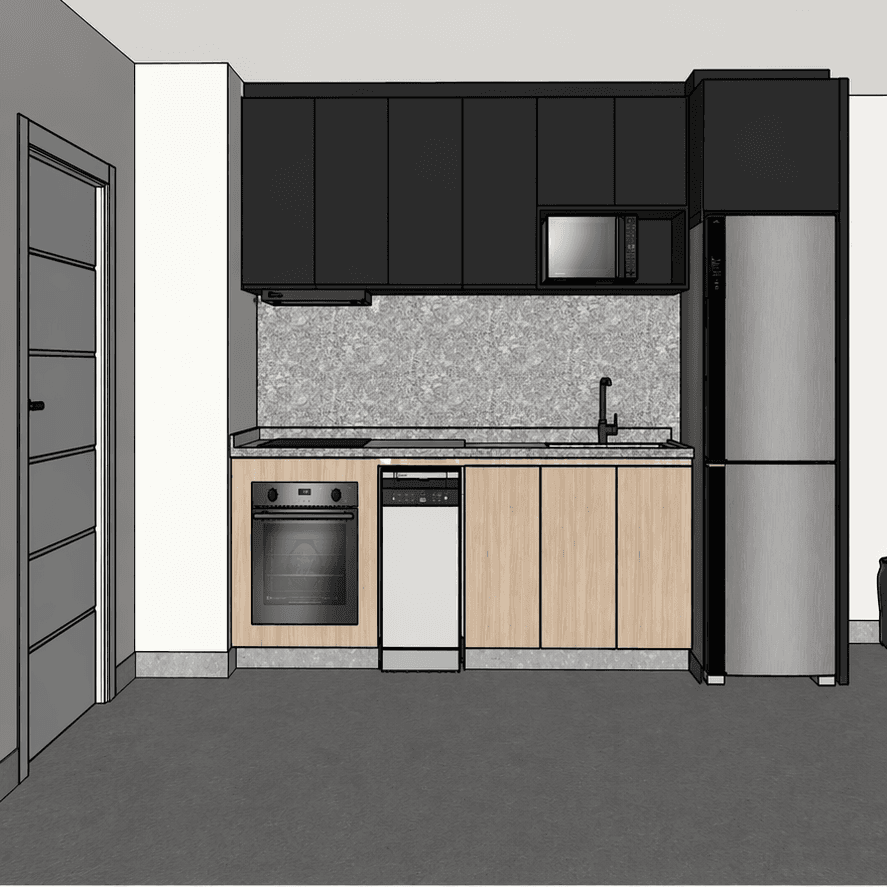
Client-ready kitchen
Same layout, sharper perception of space and material.
Drag the image to compare SketchUp scene and final render.
Built for architectural fidelity
95-98%
Source fidelity
Validated on 5 rounds of project comparisons.
1
Credit per image
Premium quality by default. No paid 'high' tier.
30+
Scenes per batch
Send your whole SketchUp project at once.
5
Free credits to try
No card. Validate before subscribing.
Built in the open
No version theater. We publish user-facing updates with date, tag and a short note explaining what changed. Internal deploy notes stay out of the public story.
Open the changelog125 public releases
Each one signed with date and tag.
Visible credits
Cost shown before any AI action runs.
No black box
No model names, no prompt maze, no hidden charges.
Transformations
Drag any before/after below — expand the library without leaving this page.
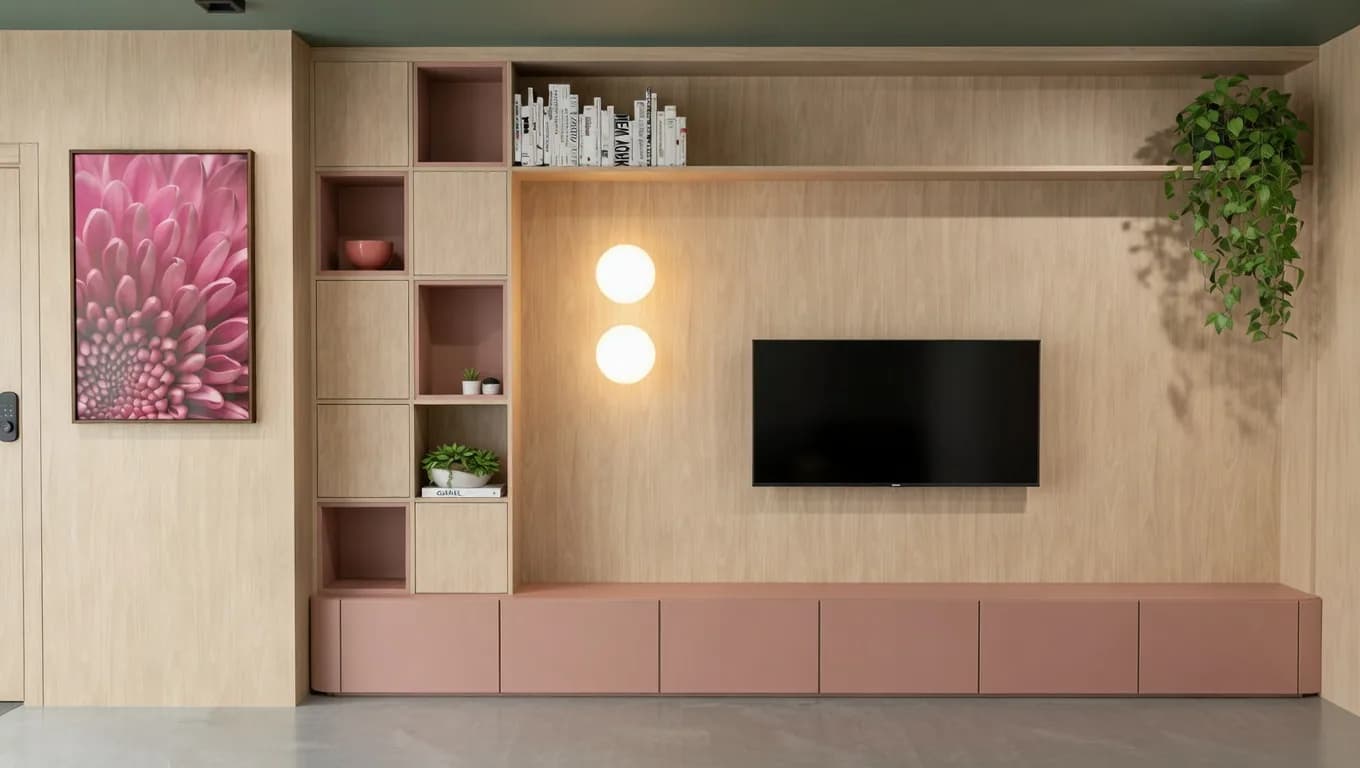
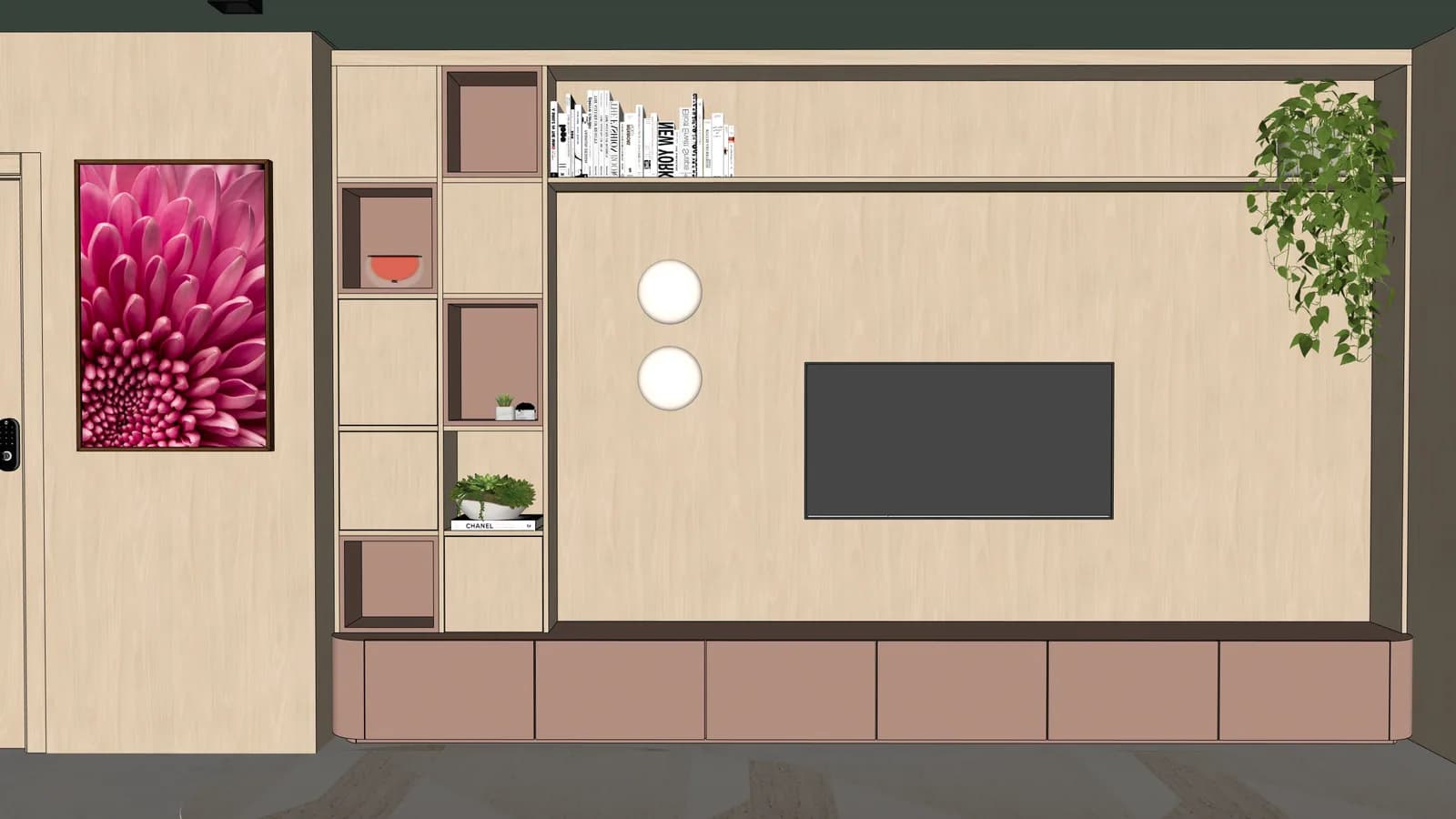
01
Planned living room
joinery, color and lighting become easier to read.
02
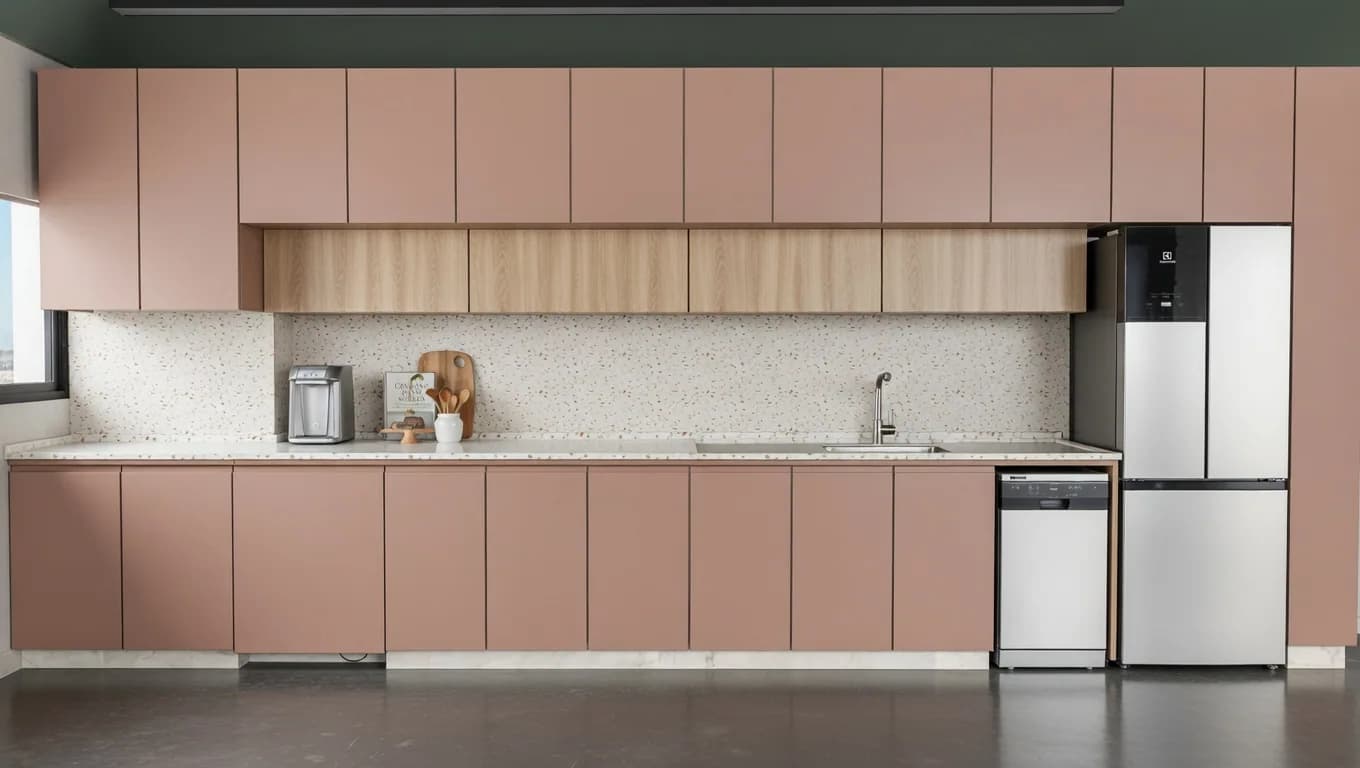
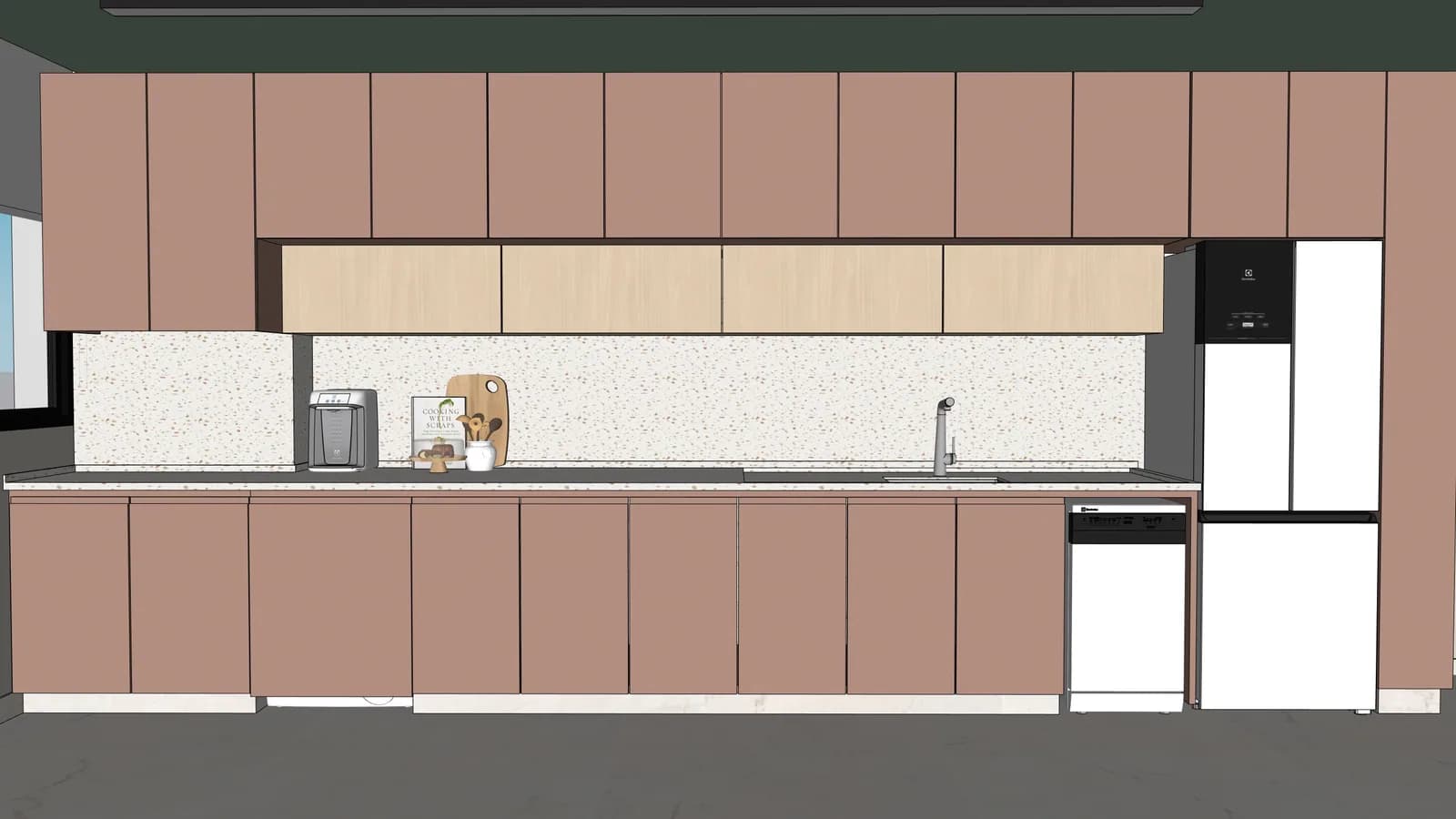
Linear kitchen
finishes gain texture without changing the layout.
03
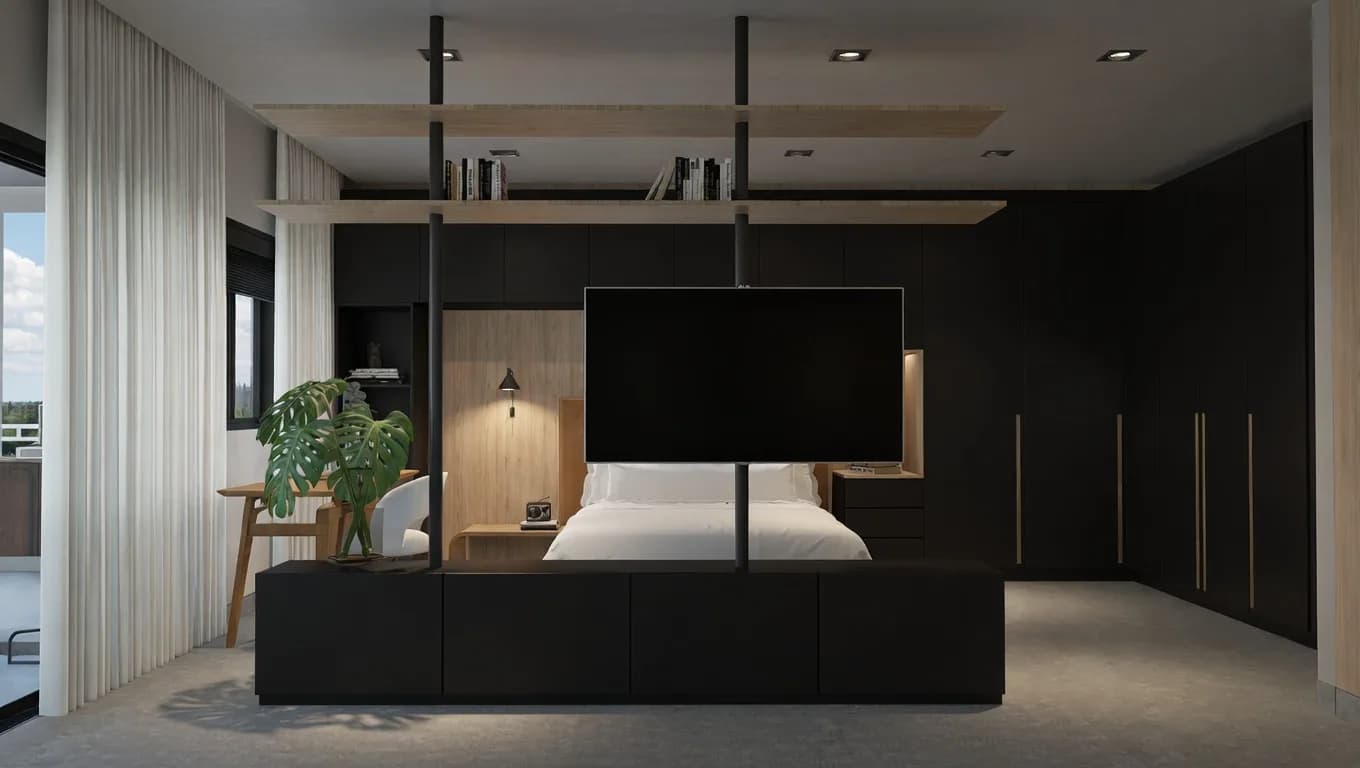
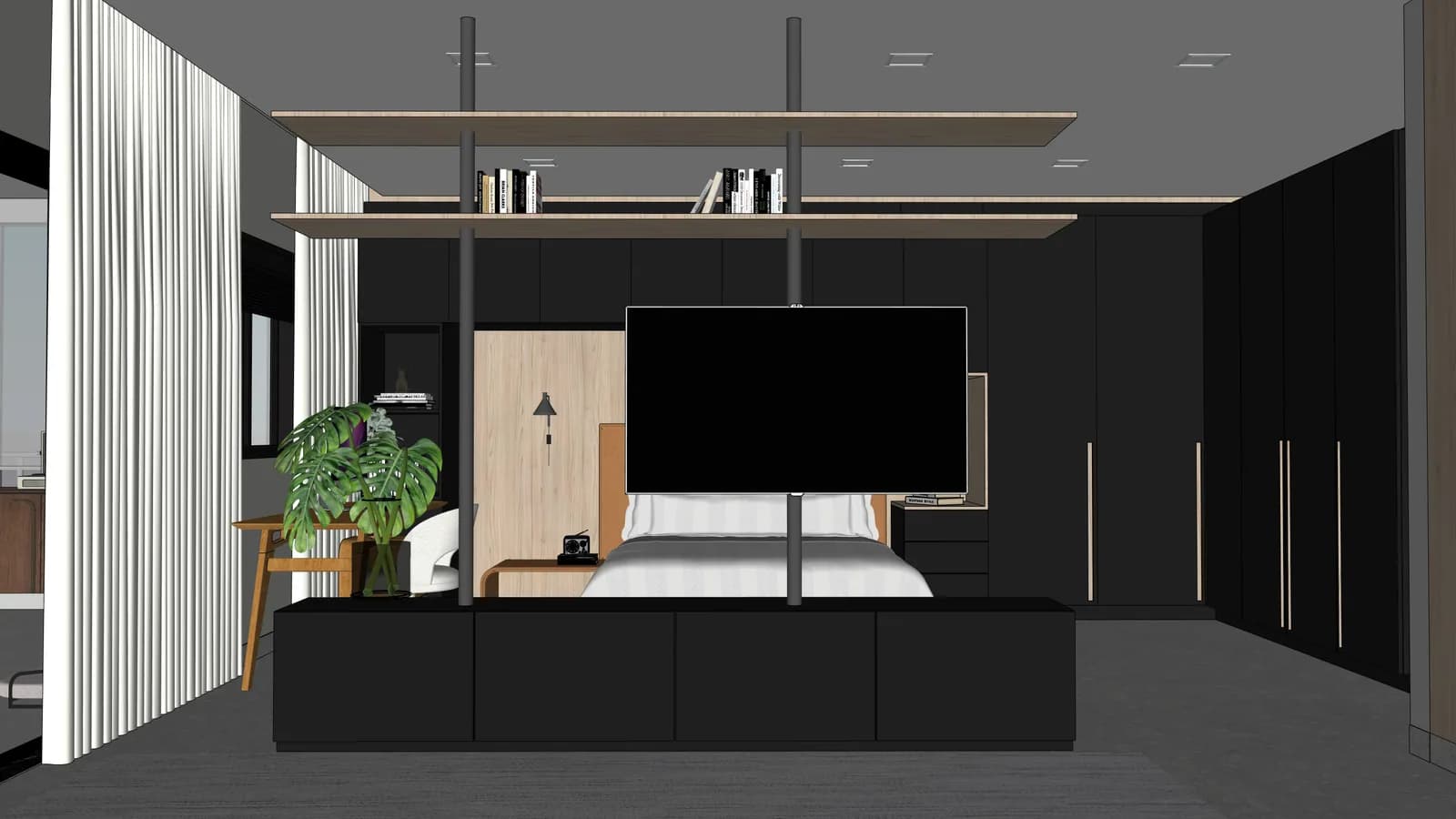
Suite with panel
dark palette gains depth while preserving the furniture.
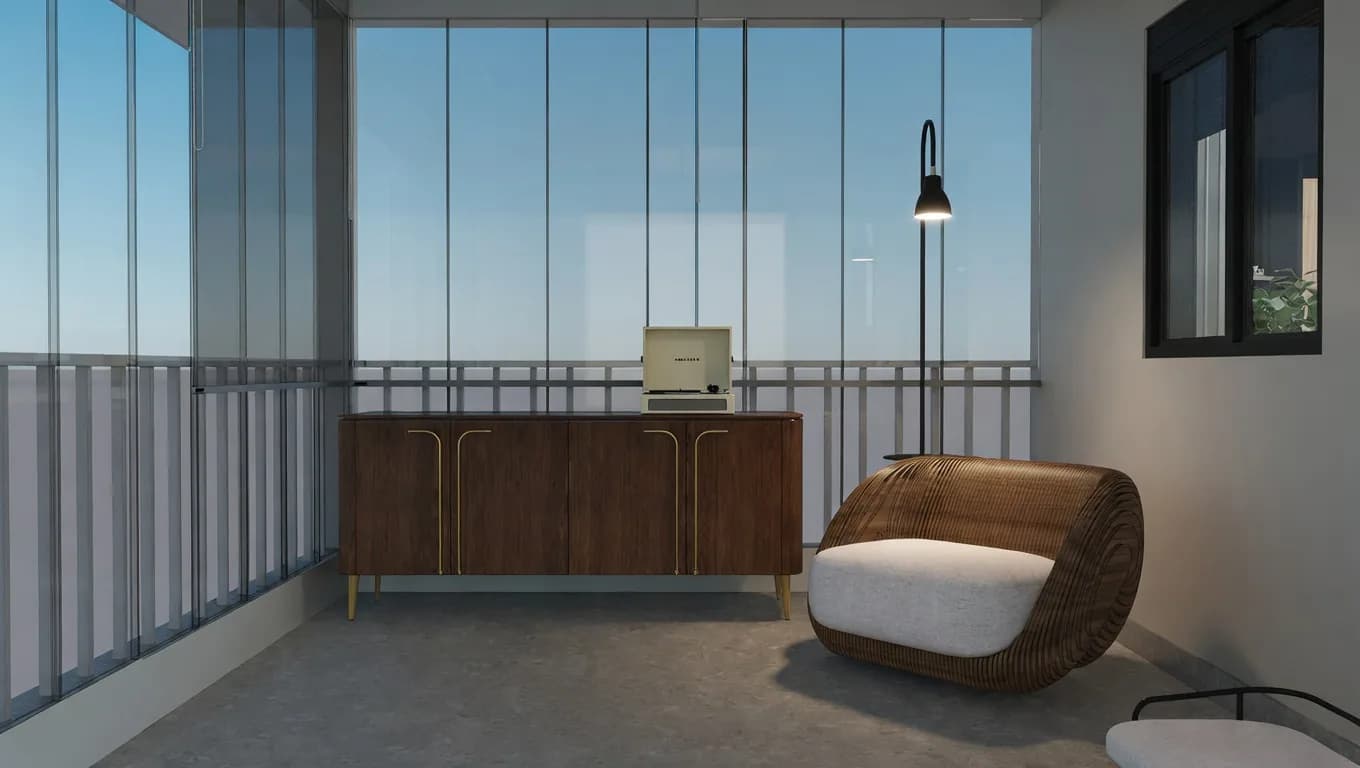
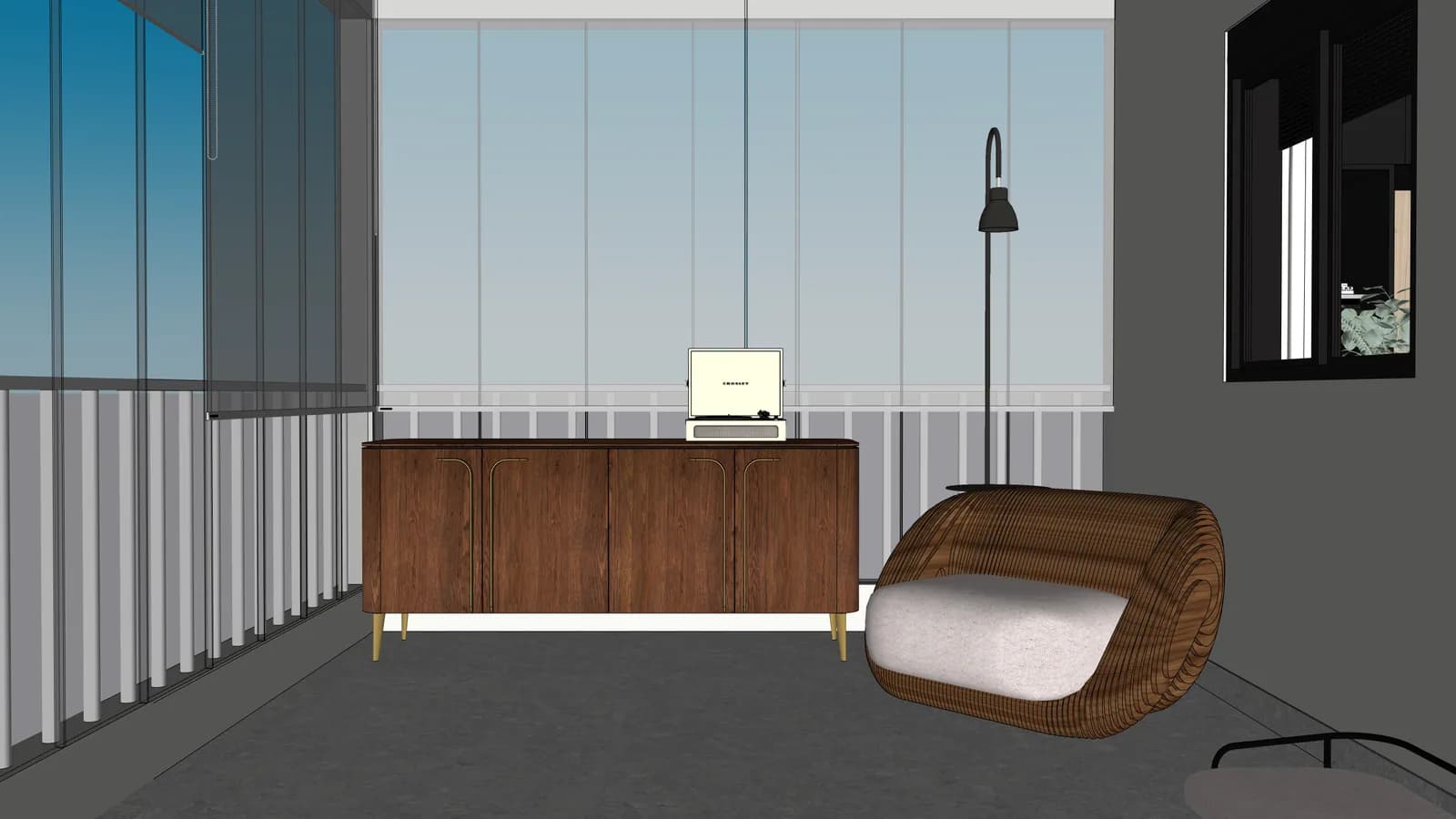
04
Balcony lounge
outdoor furniture and glass read as a finished scene.
Start the right way
Create the account, upload your first batch and use the 5 free credits to validate the result before buying a pack.
Start with 5 free creditsfree trial
5 credits
project batch
30+ images
Who it's for
Studios and freelancers
architects, interiors and built-ins
Pace
30+ images per project
for jobs with many environments
Control
Credit history
credits return on technical failures
Before choosing a plan
Batch status shows what is ready, processing or waiting.
Compare source and render before using it with a client.
SketchUp scenes, JPG, PNG and WebP stay organized by project.
Technical failures return credits automatically.
Pricing and credits
Start with free credits, then pick Solo, Plus or Pro when the workflow proves value. Every AI action shows cost before spending.
Starter
Entry under $10Entry plan after the 5-credit test.
$7.99/mo
$79.00/year with 2 months off. 30 credits / month. Cancel anytime.
About $0.27 per credit
For validating a real client scene before committing to Solo.
Solo
Solo architect$14.99/mo
$149.00/year with 2 months off. 80 credits / month. Cancel anytime.
About $0.19 per credit
For independent architects iterating on a few projects.
Plus
Recommended for studios$39.00/mo
$389.00/year with 2 months off. 250 credits / month. Cancel anytime.
About $0.16 per credit
For architects shipping renders weekly.
Pro
Scale$99.00/mo
$989.00/year with 2 months off. 700 credits / month. Cancel anytime.
About $0.14 per credit
For studios and architecture firms.
How it works
Four steps, one cohesive workflow. Each step carries the principle that makes the result trustworthy for an architect.
Step 01
Drop SketchUp scenes, Revit or Promob exports, or technical images of the environment. Files stay private to your account.
Private by defaultStep 02
Project rules tell ArchScene what stays intact — geometry, materials, openings, lighting fixtures, finish palette.
Fidelity to the projectStep 03
The queue handles the entire project at once with consistent visual quality. Cost shows before any AI runs.
Cost visible before AIStep 04
Download what you approve, re-render only what failed. Technical failures refund the credit automatically.
Failure = credit refundComing next
ArchScene starts with the core workflow: upload a project image, generate a render, compare before and after, then organize the presentation your client can approve.
Core workflow
Project to render, render to presentation, presentation to client decision. No model names, no prompt maze, no black box.
Keep source images, final renders, favorites and downloads organized around each client presentation.
Share selected renders in a polished page where the client can review, approve or request adjustments.
Turn approved before/after scenes into portfolio, Reels and Shorts formats that promote the architect's work.
Smart review will help choose the strongest render, flag weak images and prepare a cleaner client-ready batch.
What's new
The changelog is part of the promise: visible improvements, shipped workflows and fewer manual steps, written in user language.
See full changelogAbertura sem divergência no navegador
A ação continua exigindo confirmação de 1 crédito, mas deixa de criar uma ilha client-side apenas para o botão, reduzindo a superfície de hidratação da página.
Quick questions
Buying and usage answers for anyone still evaluating the product before opening the dashboard.
Start nowNo. The focus is to improve the visual presentation of images and scenes that already exist, preserving the approved design.
Yes. The trial gives you free credits to validate the workflow before buying a pack.
Rendering and AI audit may consume credits. SKP extraction and project organization don't call AI.
Yes. The architecture already separates projects, originals, results, history and credits per user.
Your first render
Open a free account, get 5 credits and use them on your own SketchUp project — no card, no contract, no chatting with sales.