Examples library

Before and after, proving fidelity, not just aesthetics.

This page exists so visitors can quickly see what ArchScene delivers: turning images and scenes into presentation material without erasing the architect's original solution.

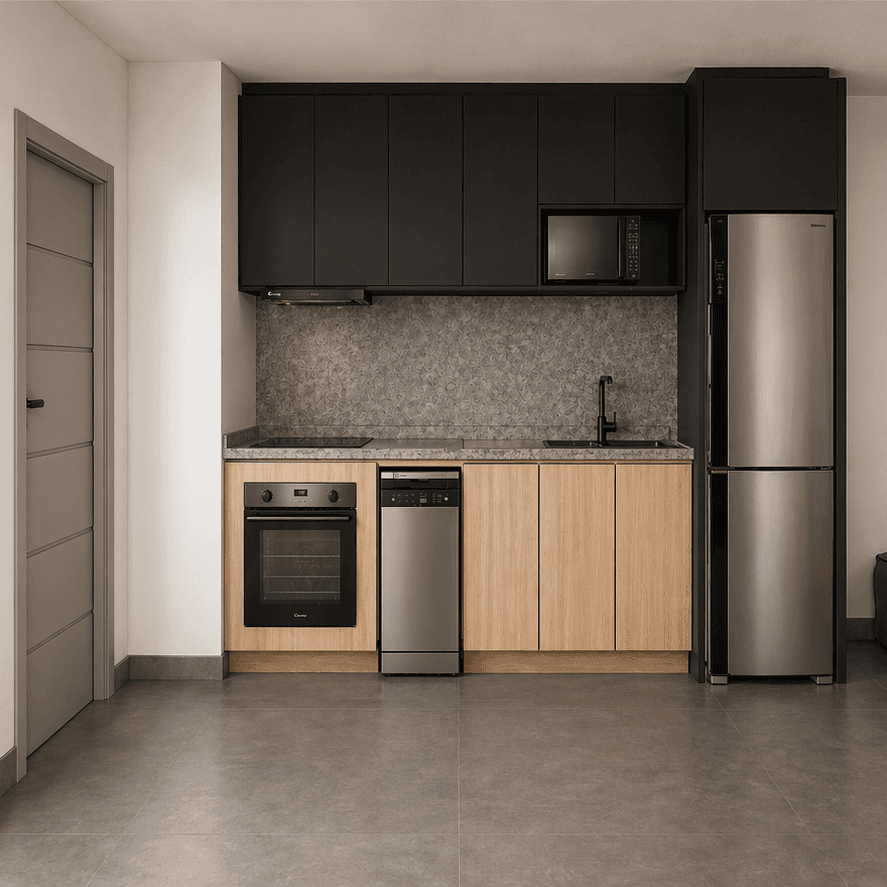
Realistic render of an open-plan kitchen
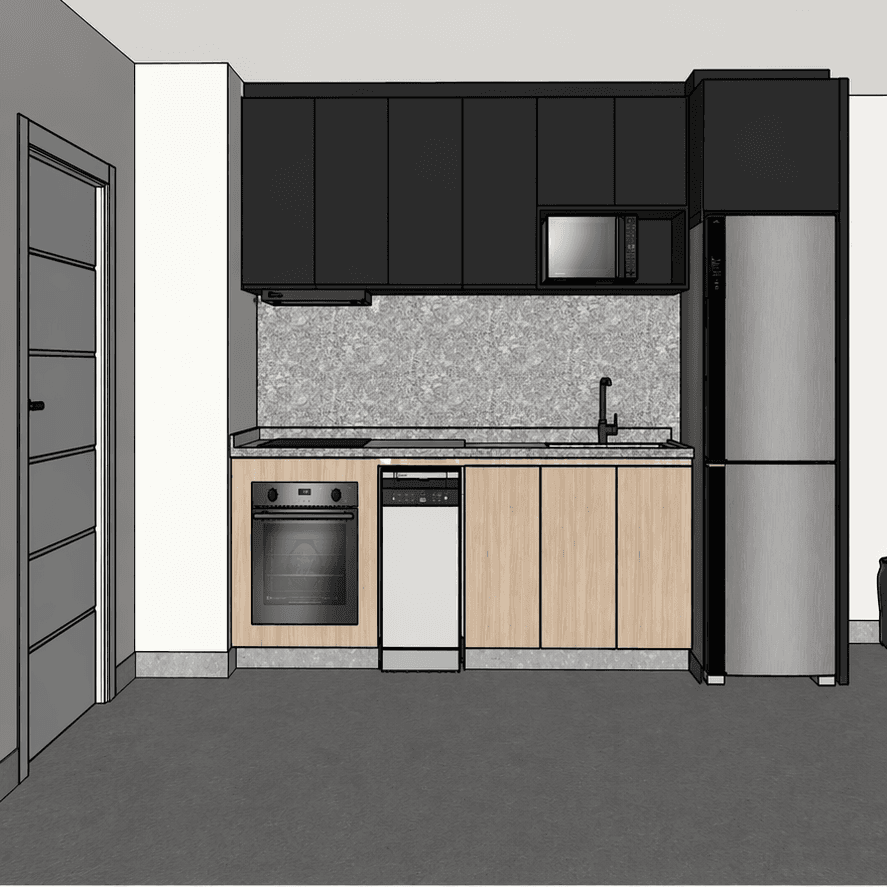
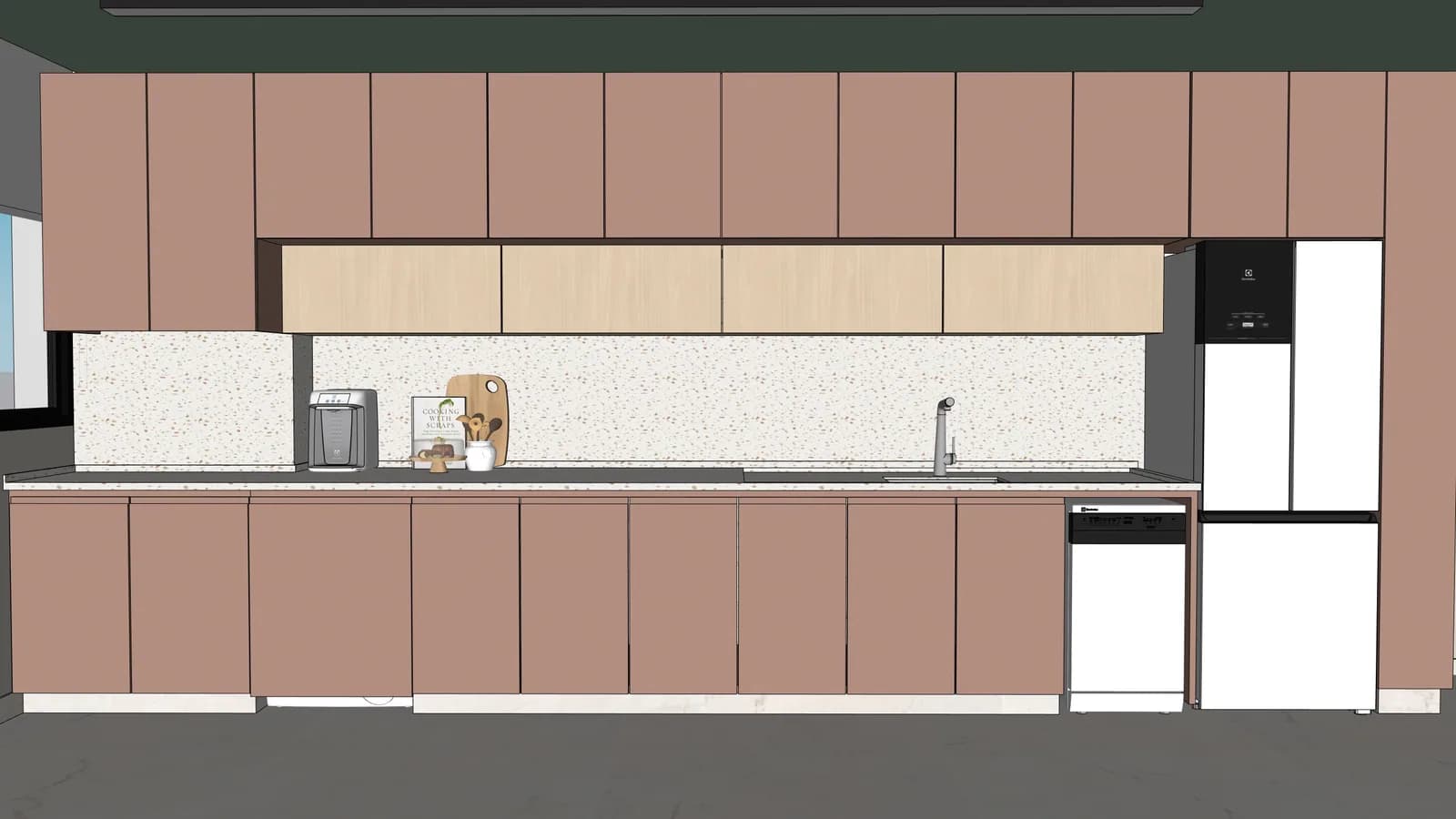
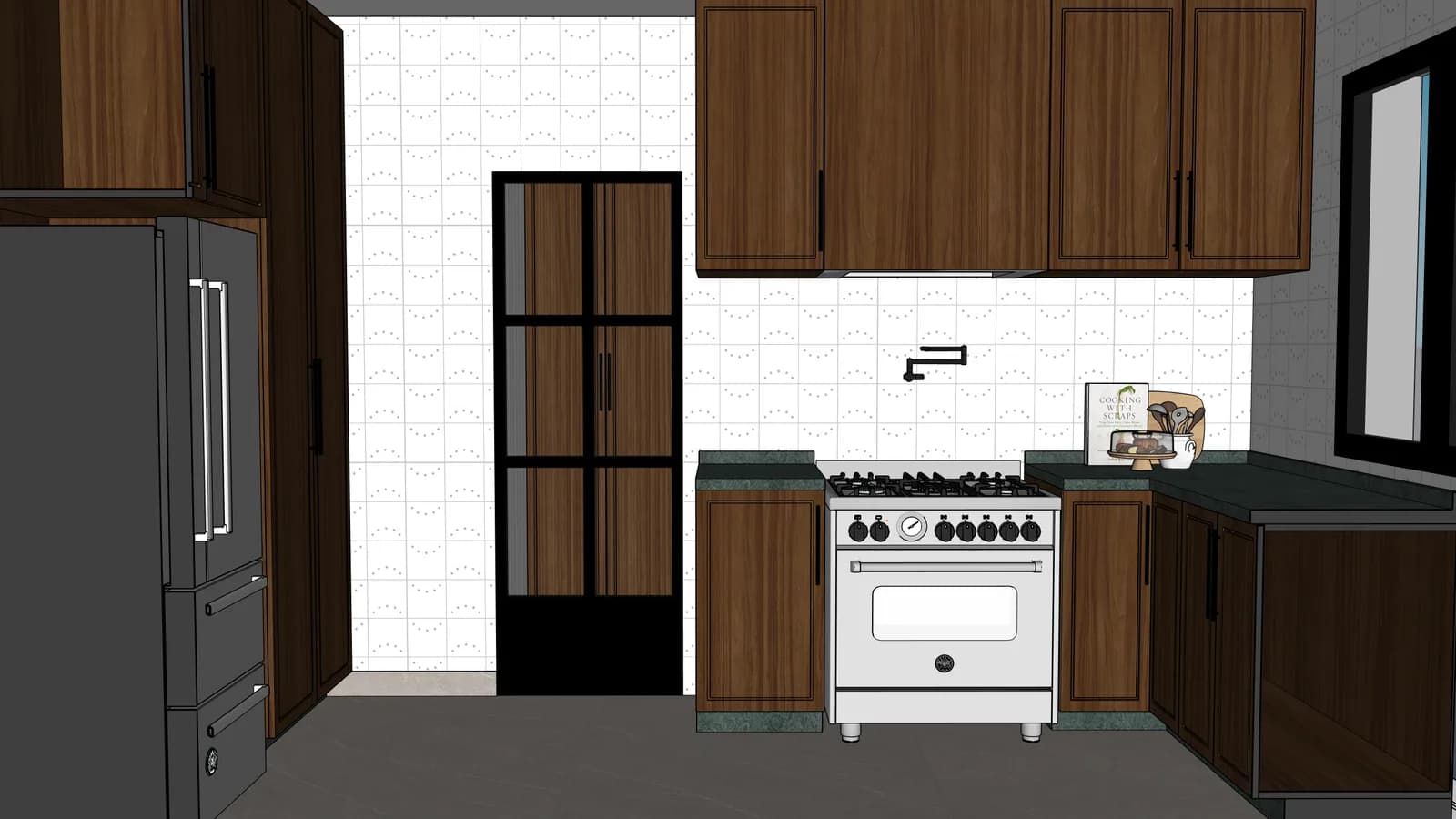
Technical drawing of an open-plan kitchen
Project
Render

Preserved

layout, proportions, millwork, openings, countertop and position of the main elements.

Improved

materials, lighting, texture, atmosphere and presentation quality.

The original drawing still leads

The comparison should show that AI improves clarity, lighting, and materiality without changing the project.

The gallery becomes a working asset

Every scene can flow into playlists, renders, audits, and the project history.

Every example sells approval

Clients understand a room better when the technical drawing turns into a scene with commercial intent.

Test with your project

Turn a good example into a controlled first render.

The library should not be the end of the visit. Pick a similar space, upload one real scene and compare whether ArchScene preserves the project before you scale the batch.

01

Start with one clear scene

Use a JPG, PNG, WebP or SketchUp scene where layout, openings and main furniture are easy to read.

02

Check what must stay fixed

Compare proportions, millwork, countertop, openings and camera before approving the result.

03

Scale only after it matches

Once the first render keeps fidelity, move the rest of the project into gallery, playlists and client delivery.

Modern render paths

Choose the route that matches what clients will judge first.

The strongest AI render tools now sell a workflow, not one isolated image. ArchScene keeps that promise practical: one faithful test, then controlled edits, social delivery and motion only when the still image already works.

Faithful render

Try first
A scene where geometry, openings, joinery and furniture scale are easy to compare.
Proof
The before/after looks more polished without changing the design proposal.
Then
Approve the visual baseline before sending the rest of the batch.
Start with this route

Controlled edit

Try first
A finished render that needs warmer light, cleaner framing or a material variation.
Proof
The edit improves presentation while keeping the original render lineage visible.
Then
Save the winning version to gallery before testing another variation.
Start with this route

Social-ready delivery

Try first
One approved image that can become a public before/after or portfolio teaser.
Proof
The post has image, caption, link, alt text and AI disclosure ready for review.
Then
Publish only after the project is approved to be public.
Start with this route

Motion or tour candidate

Try first
A selected hero scene or 3D view with enough visual clarity to support movement.
Proof
The still image already explains the project before any tour or video layer.
Then
Use motion after approval, not as a shortcut around weak still renders.
Start with this route

First scene playbooks

Pick the scene that can prove value fastest.

A strong first test is not random. Choose one route, upload one image and judge fidelity by the project constraints that matter to an architect.

Choose the safest first test

Fast confidence

Best for
A scene that is almost ready for client review.
Validate
Whether the render keeps the same proposal while making it easier to sell.
Start with
One clean image with furniture, openings and the main material decision visible.

Geometry check

Best for
SketchUp exports, technical views and rooms with strict millwork.
Validate
Whether camera, proportions, cabinet rhythm and openings stay in place.
Start with
A named camera or a crop where the project rules are easy to compare.

Portfolio-ready image

Best for
A result you may publish, send to a client or add to a playlist.
Validate
Whether the before and after still feel like the same project after the visual lift.
Start with
One favorite scene with clear permission to become a public or shared example.

Joinery-heavy room

01
Upload
Use a living room, suite or kitchen view where panels, shelves, appliances and main furniture are visible.
Check
Confirm cabinet rhythm, countertop edges, openings and furniture scale stay in the same place.
Best next action
Approve only if material quality improves without replacing the layout.
Test this route

Balcony or exterior area

02
Upload
Use a scene with glass, vegetation, deck, stone or water where daylight sets the mood.
Check
Check reflections, plant density, water/deck texture and the connection between indoor and outdoor areas.
Best next action
Use the winning render as a reference before sending the remaining exterior views.
Test this route

SketchUp scene export

03
Upload
Start with one named camera view from the model instead of sending the full project blindly.
Check
Confirm the camera, openings, furniture masses and key volumes survive the render pass.
Best next action
When the first camera works, scale to a batch and keep weaker views for later adjustment.
Test this route

Client-ready comparison

04
Upload
Pick the image you would almost send to a client, but that still needs light, texture or atmosphere.
Check
Compare whether the final scene is easier to understand without introducing a new design proposal.
Best next action
Publish, share or add to a playlist only after the before/after feels like the same project.
Test this route

Coverage roadmap

More example routes are queued for the next validation rounds.

The current library proves the core before/after. The next coverage should help architects test trickier rooms before committing a full batch.

Live now

8 examples

Interiors, balconies and outdoor scenes already show fidelity, risk and cost.

Next gaps

6 routes

Facade, bathroom, commercial, night, clay and social proof become the next useful checks.

Your input

1 clear scene

Bring one technical image or camera view and start with the safest first test.

Test one of these routes

Residential facade

Queue
Next public proof
Best input
Front elevation or SketchUp camera with openings, roofline and main materials visible.
Test
Use one front view where volumes, openings, roofline and material rhythm need to stay exact.
Good signal
A good result improves light and material realism without changing massing or window positions.

Compact bathroom

Queue
Reflection control
Best input
Small bathroom image with mirror, metal fixtures, stone and clear plumbing constraints.
Test
Use a tight room with mirror, stone, metal fixtures and strong reflections.
Good signal
The render should make finishes clearer without inventing new sanitary ware or moving plumbing points.

Small commercial space

Queue
B2B lead proof
Best input
Reception, boutique or clinic corner with brand cues and fixed circulation.
Test
Use a reception, boutique or clinic corner where brand mood and circulation matter.
Good signal
The scene should feel client-ready while preserving counters, signage, circulation and display zones.

Night or warm-light scene

Queue
Atmosphere proof
Best input
Exterior, balcony or interior view where visible luminaires define the mood.
Test
Use a view where pendants, sconces or cove lighting define the atmosphere.
Good signal
Lighting should feel warmer and more premium without hiding the project geometry.

Raw model or clay view

Queue
Shape fidelity
Best input
White model, gray massing or early view before final material decisions.
Test
Use a simple massing or gray model when the design is early and materials are not final.
Good signal
The output should clarify volume, light and proportion without pretending finishes were already chosen.

Social post candidate

Queue
Shareable delivery
Best input
Approved render with permission to turn the before/after into a public teaser.
Test
Use one favorite image that could become a public project teaser after approval.
Good signal
The result should work as a before/after story, with clear permission before sharing.

Repeatable workflow

Turn one approved render into the next example set.

Use a small proof loop before scaling: one difficult scene, one faithful render, one controlled edit and one shareable winner.

01

Choose a difficult scene

Start with the room that has the clearest geometry, material and client decision risk.

02

Generate the faithful base

Approve the still image only when proportions, openings and joinery stay aligned.

03

Try one controlled variation

Adjust light, crop or finish without turning the project into a different proposal.

04

Keep the winning story

Save the best before/after to gallery, portfolio or social review before starting another route.

Visual product demos

The final image must look sellable while still looking like the same project.

Drag each image to compare. These are product demos: the goal is to show a perception lift, not invent a different building.

All examples

Browse the full library and compare different spaces before choosing a workflow.

8 examples shown
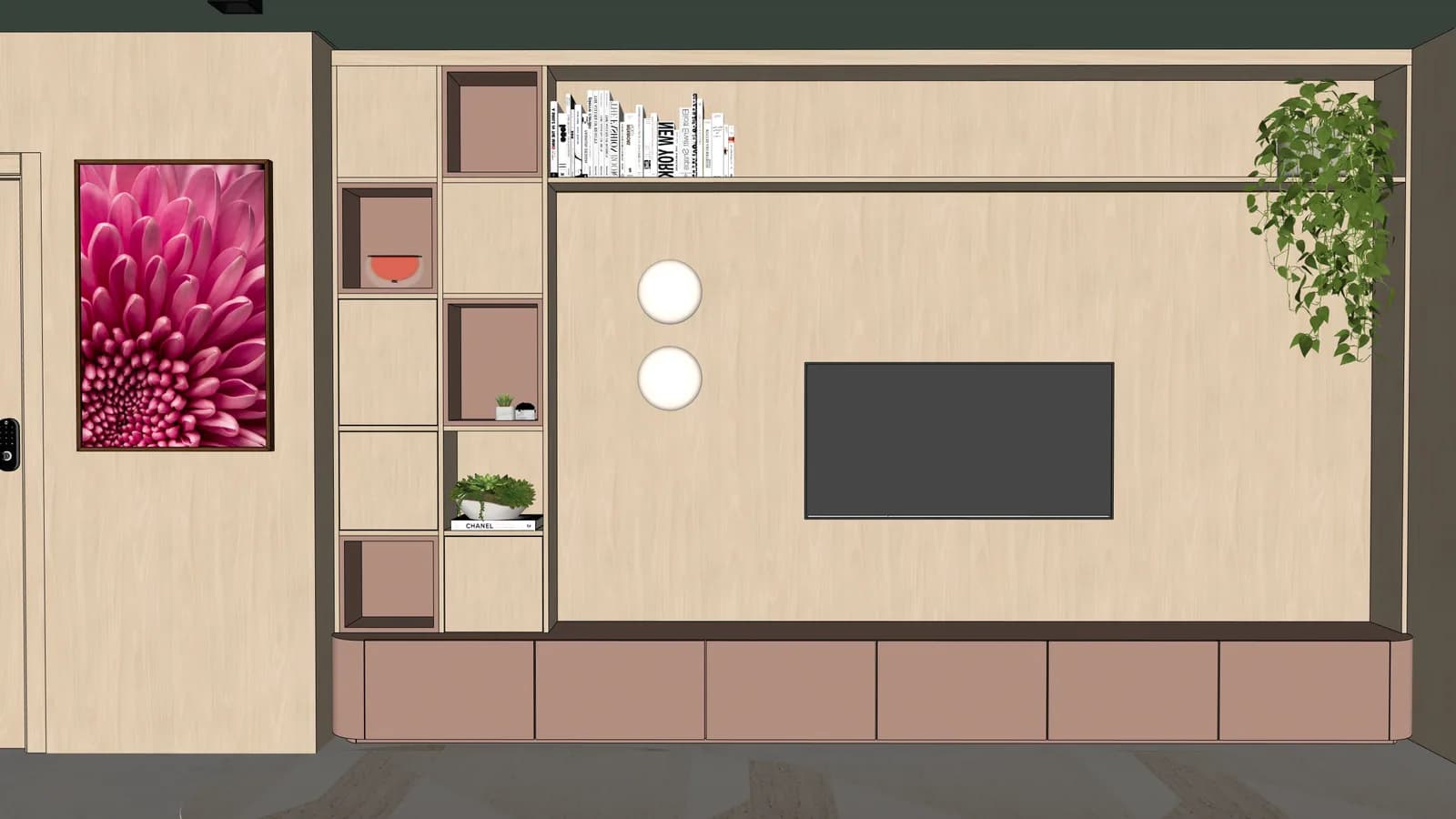
Planned living room realistic render
Planned living room technical export
Project
Render
Living and suites01

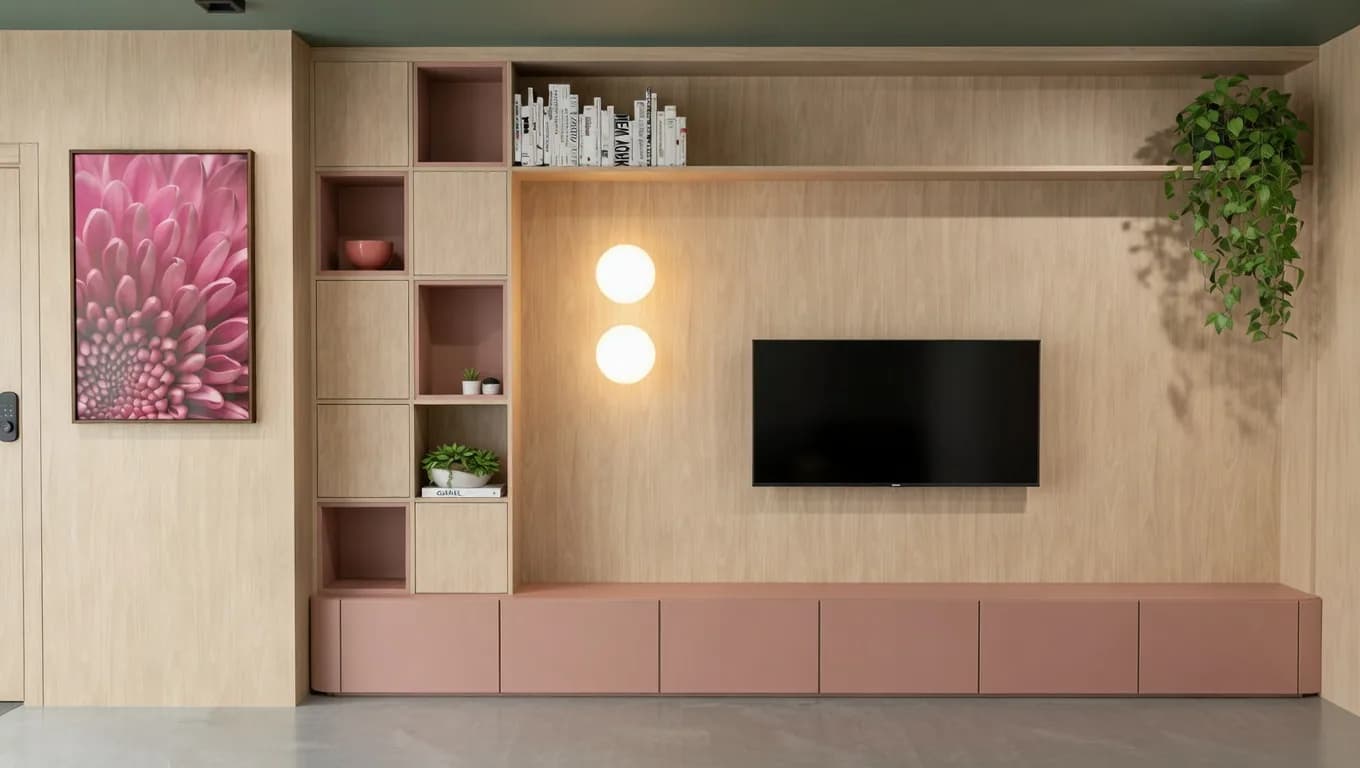
Planned living room

joinery, color and lighting become easier to read

Proof to look for

Shows whether a client-facing render can preserve panel rhythm, shelving and the original room proportions.

Estimated cost
Start with 1 credit for one similar still image; controlled edits show their own cost before running.
Fidelity risk
Panel rhythm, shelf depth and furniture scale must stay aligned with the source.
Source: technical export or SKP scenePreserves: composition and layoutImproves: lighting and commercial readability

drag to reveal

Try a similar scene
Linear kitchen realistic render
Linear kitchen technical export
Project
Render
Kitchens02

Linear kitchen

finishes gain texture without changing the design

Proof to look for

Useful for validating cabinet fronts, appliances and backsplash continuity before sending a kitchen to a client.

Estimated cost
Plan 1 credit for the first render and another credit only if you choose a follow-up edit.
Fidelity risk
Cabinet fronts, appliances and backsplash lines cannot drift or become a new kitchen.
Source: technical export or SKP scenePreserves: composition and layoutImproves: lighting and commercial readability

drag to reveal

Try a similar scene
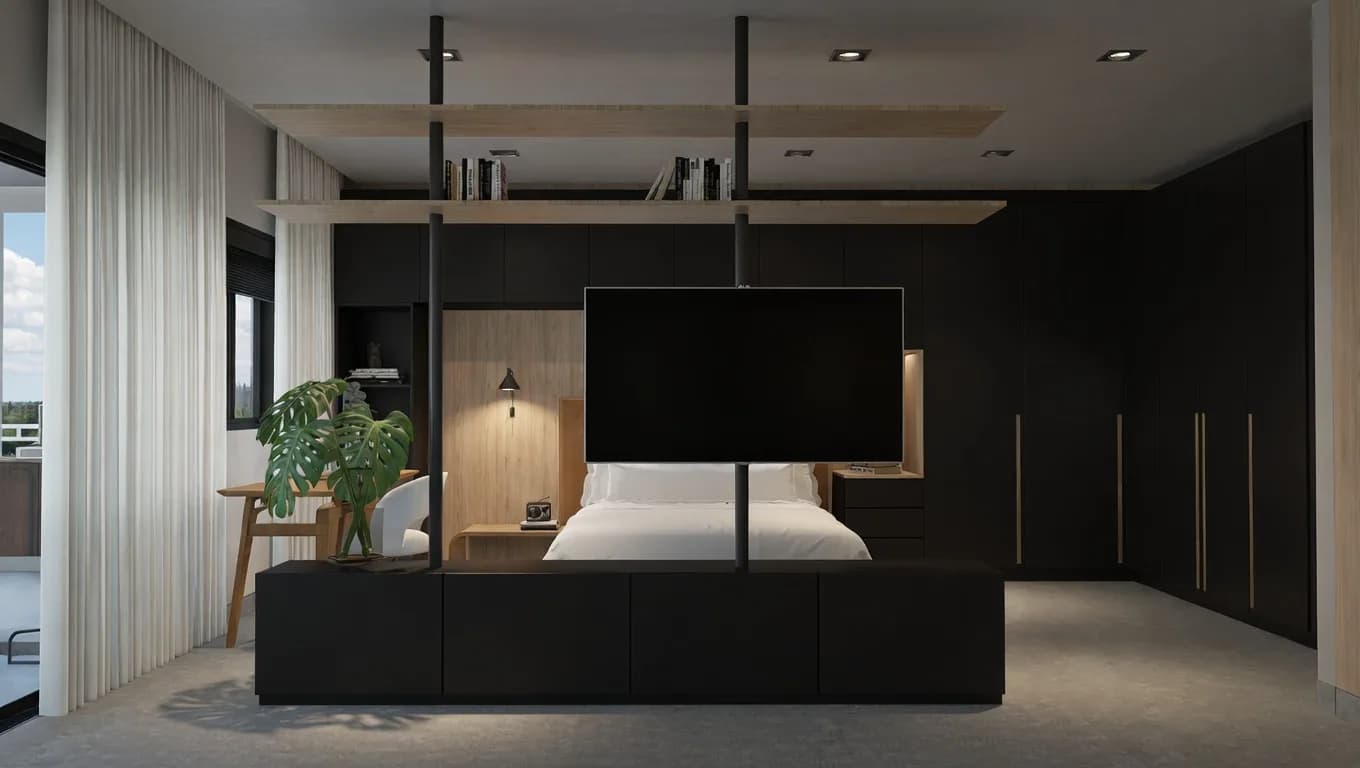
Suite with panel realistic render
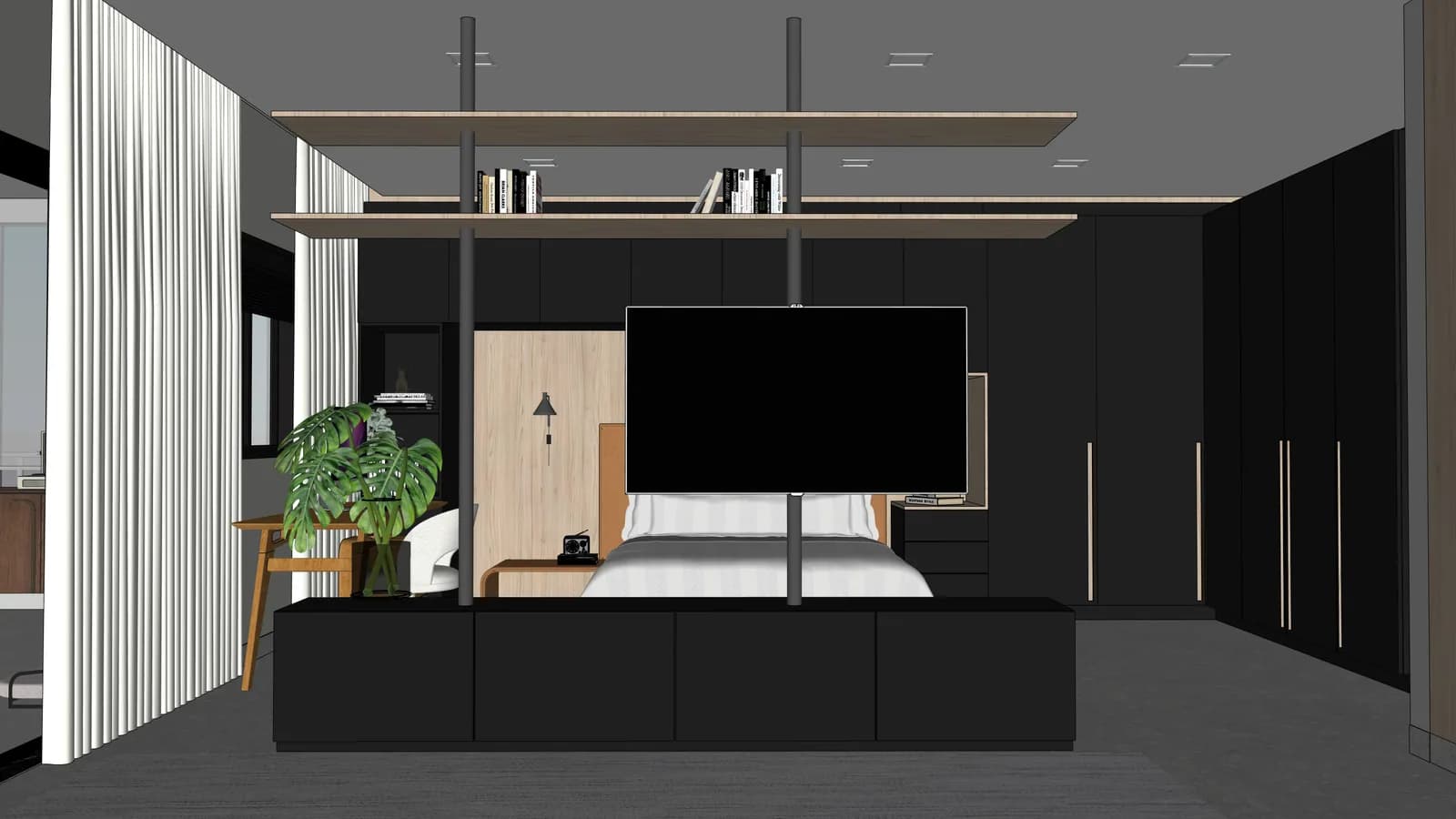
Suite with panel technical export
Project
Render
Living and suites03

Suite with panel

dark palette gains depth while preserving the furniture

Proof to look for

Tests darker palettes, wall panels and furniture depth without changing the intended layout.

Estimated cost
Use 1 credit to validate the mood before scaling the suite or bedroom batch.
Fidelity risk
Dark panels can hide proportions, so compare wall rhythm, bed scale and furniture depth.
Source: technical export or SKP scenePreserves: composition and layoutImproves: lighting and commercial readability

drag to reveal

Try a similar scene
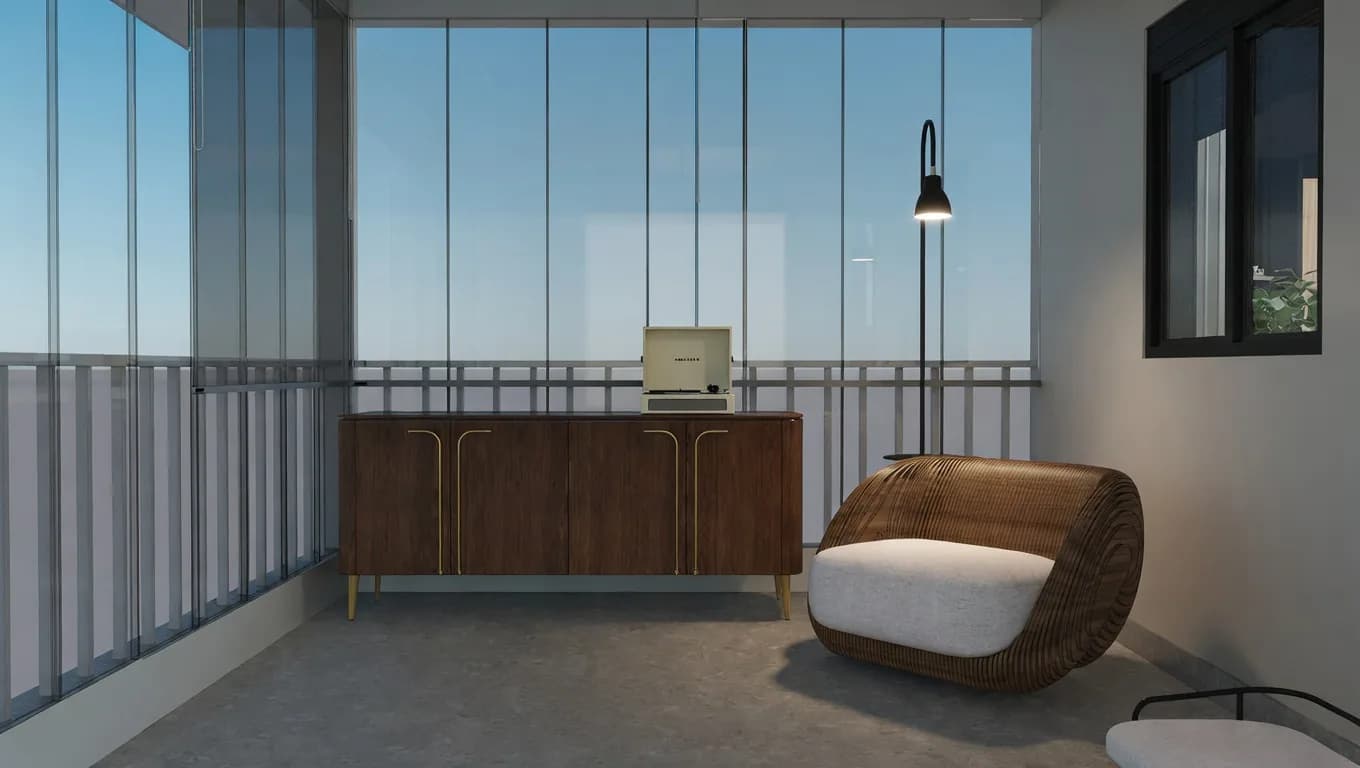
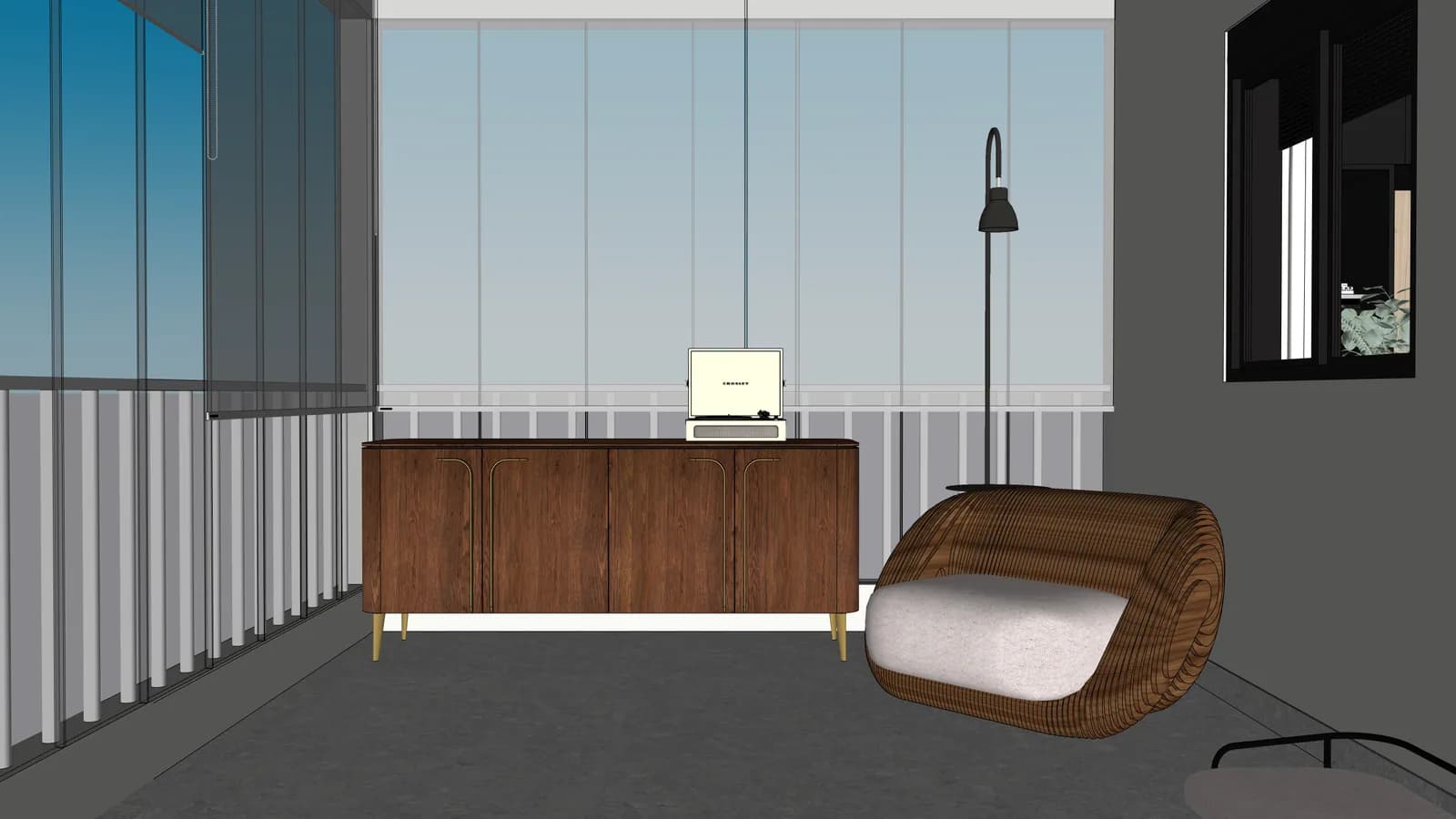
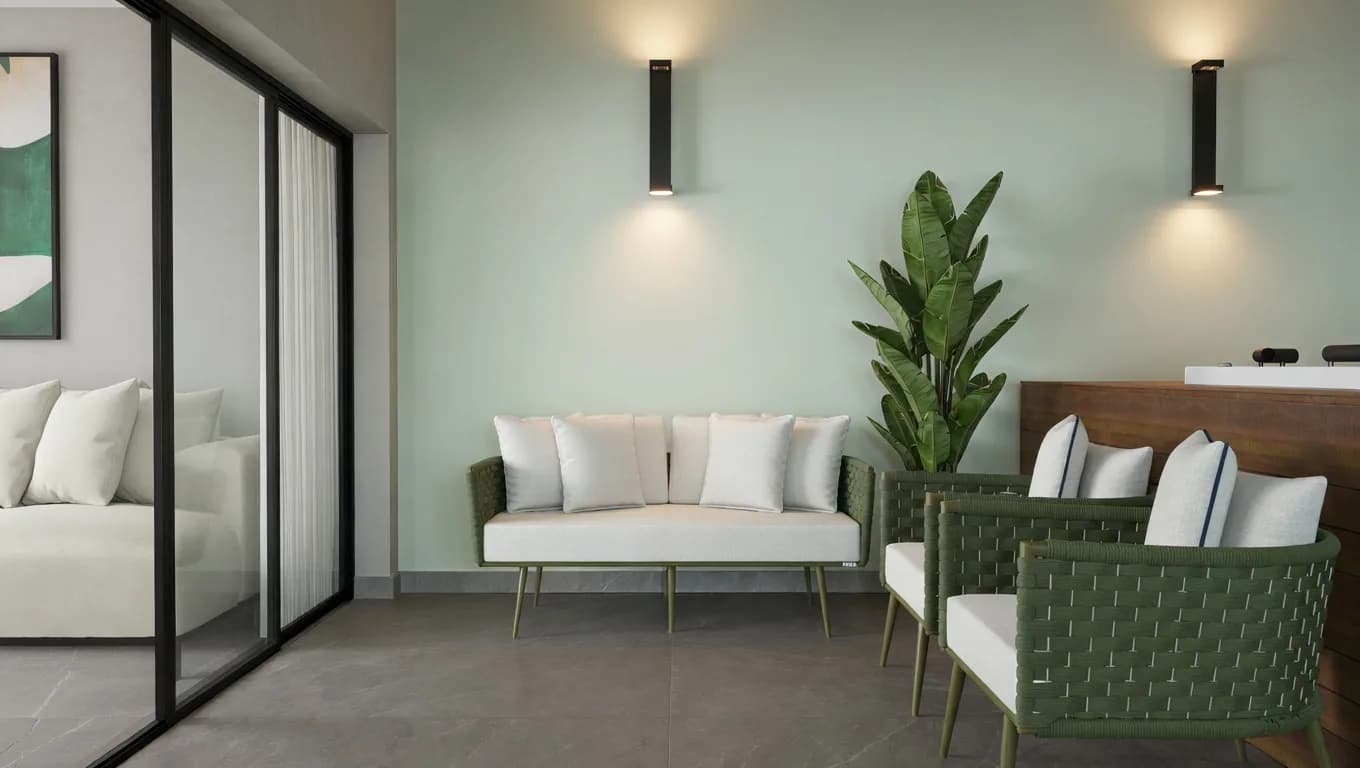
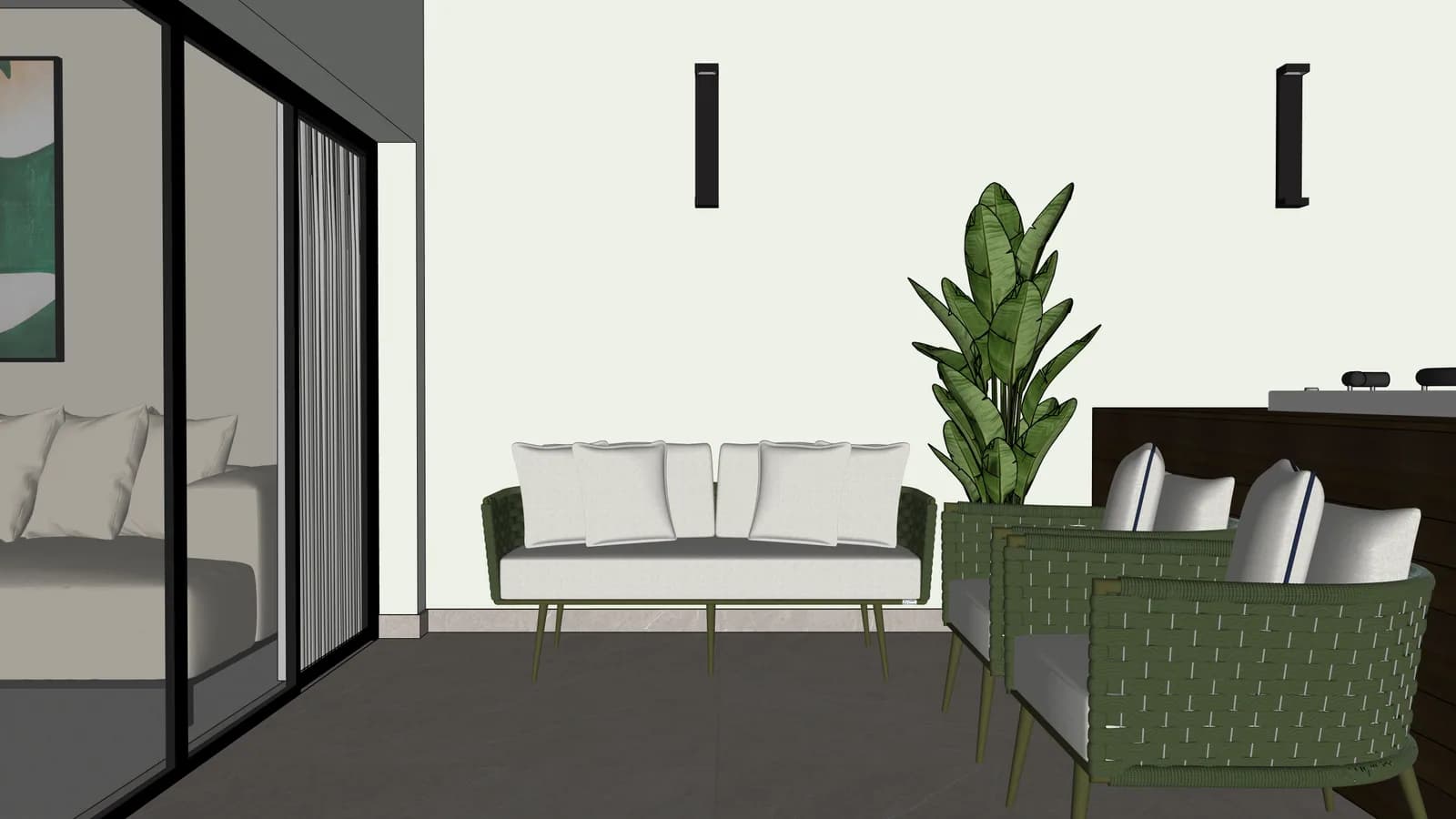
Balcony lounge realistic render
Balcony lounge technical export
Project
Render
Balconies04

Balcony lounge

outdoor furniture and glass read as a finished scene

Proof to look for

Proves that glass, outdoor furniture and vegetation can look finished while keeping the same camera and composition.

Estimated cost
Use 1 credit for the base image; social crop or polish remains optional after approval.
Fidelity risk
Glass, vegetation and outdoor furniture should gain realism without changing the camera.
Source: technical export or SKP scenePreserves: composition and layoutImproves: lighting and commercial readability

drag to reveal

Try a similar scene
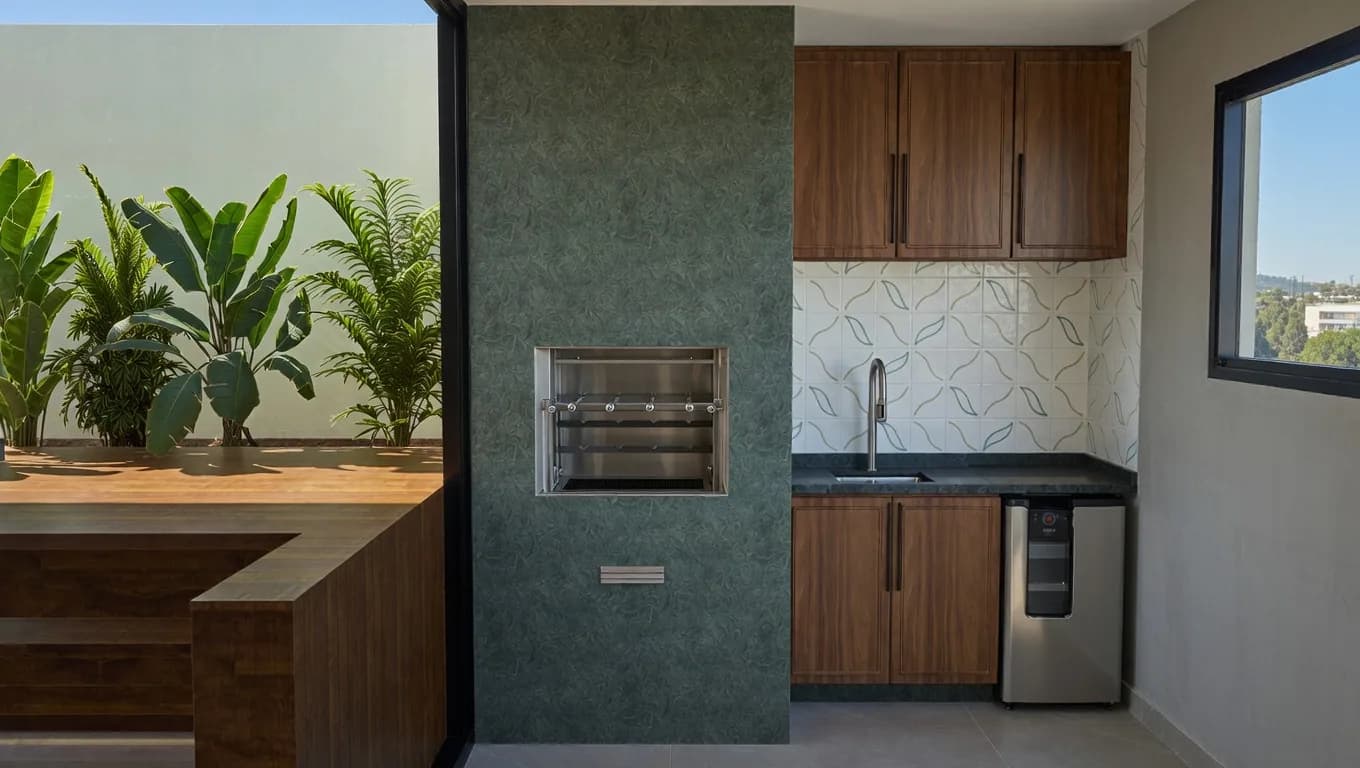
Gourmet support realistic render
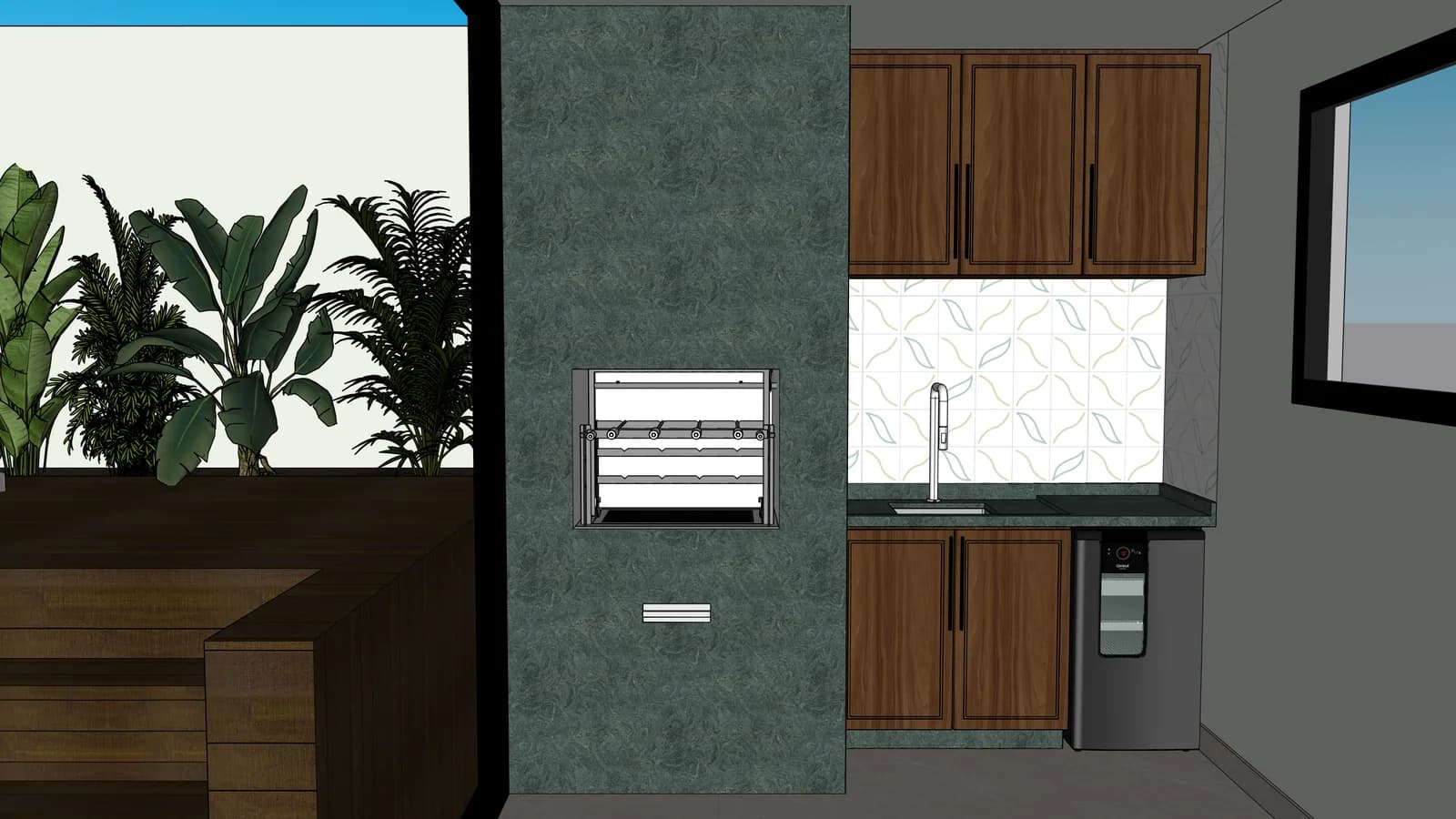
Gourmet support technical export
Project
Render
Outdoor areas05

Gourmet support

stone, wood and vegetation become more convincing

Proof to look for

Good for checking stone, wood and plant material because the source has mixed textures in a compact view.

Estimated cost
Start with 1 credit and only scale the batch after stone, wood and plant texture pass review.
Fidelity risk
Mixed materials can drift; check stone joints, wood tone and plant density.
Source: technical export or SKP scenePreserves: composition and layoutImproves: lighting and commercial readability

drag to reveal

Try a similar scene
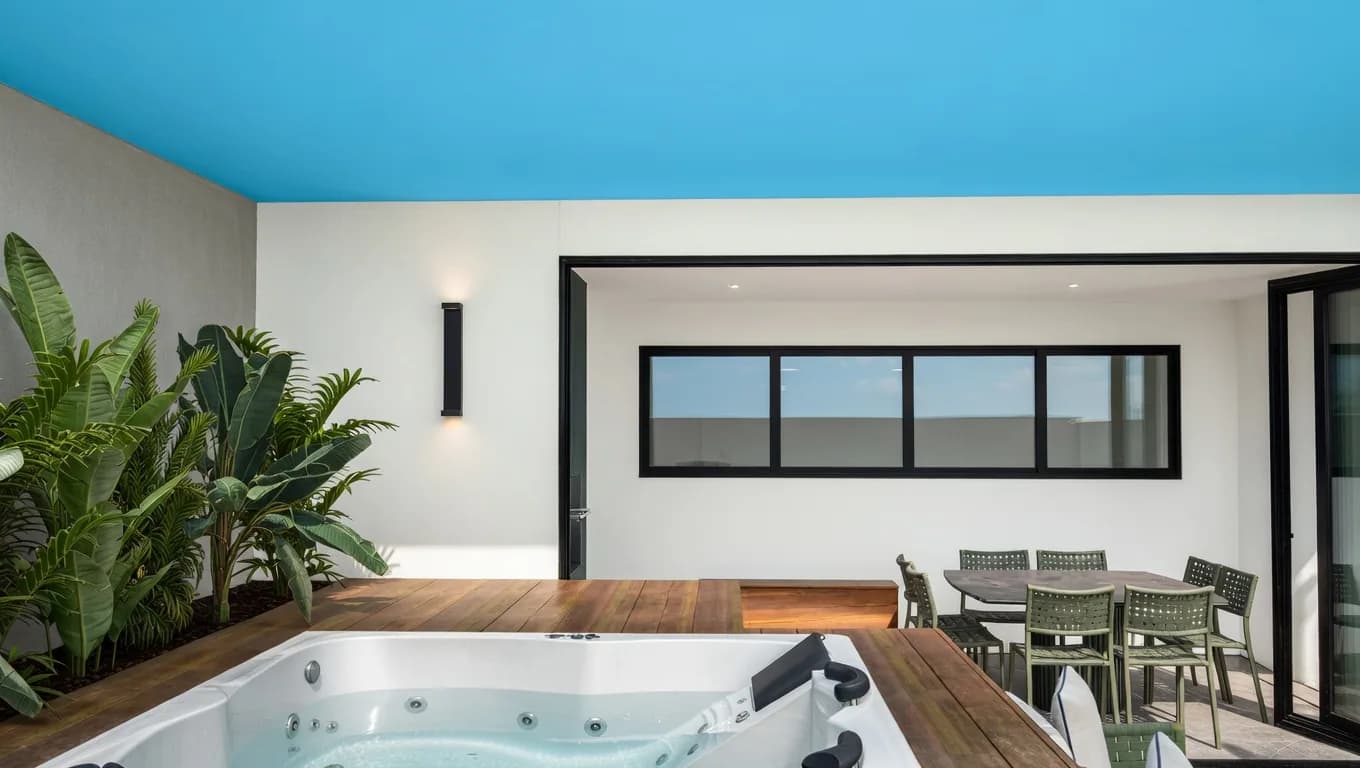
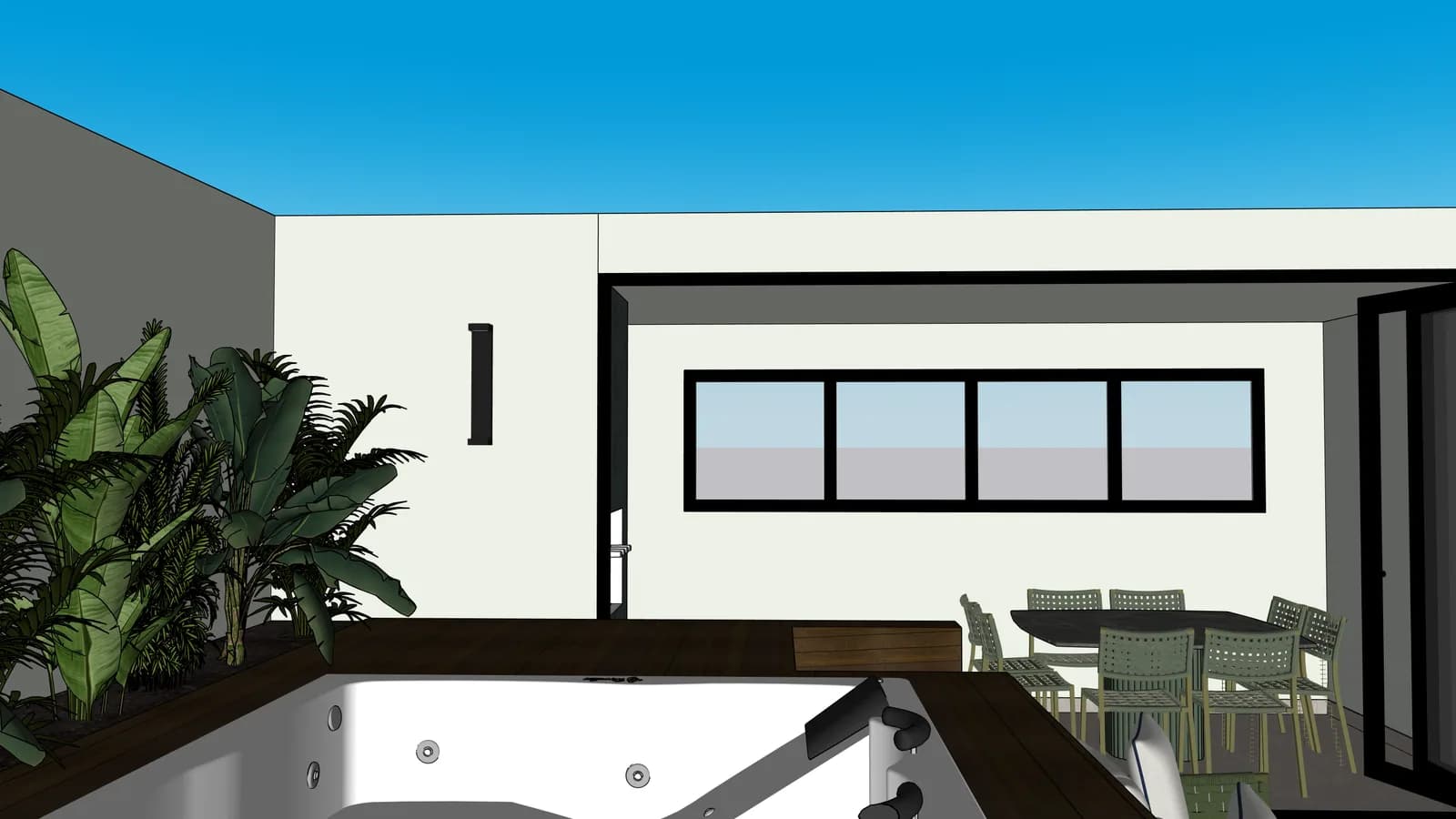
Outdoor spa realistic render
Outdoor spa technical export
Project
Render
Outdoor areas06

Outdoor spa

light, water and deck communicate the project value

Proof to look for

Shows how water, deck and exterior light can carry more emotion without turning the project into another proposal.

Estimated cost
Use 1 credit for the still image before spending extra credits on edits or motion candidates.
Fidelity risk
Water, deck and exterior light must add atmosphere without moving volumes or openings.
Source: technical export or SKP scenePreserves: composition and layoutImproves: lighting and commercial readability

drag to reveal

Try a similar scene
Integrated balcony realistic render
Integrated balcony technical export
Project
Render
Balconies07

Integrated balcony

the same furniture gains natural light and atmosphere

Proof to look for

Validates an open social area where furniture, openings and natural light need to stay coherent.

Estimated cost
Budget 1 credit for a comparable still render and keep edits separate after review.
Fidelity risk
Openings, furniture groups and natural light need to remain coherent across the wider room.
Source: technical export or SKP scenePreserves: composition and layoutImproves: lighting and commercial readability

drag to reveal

Try a similar scene
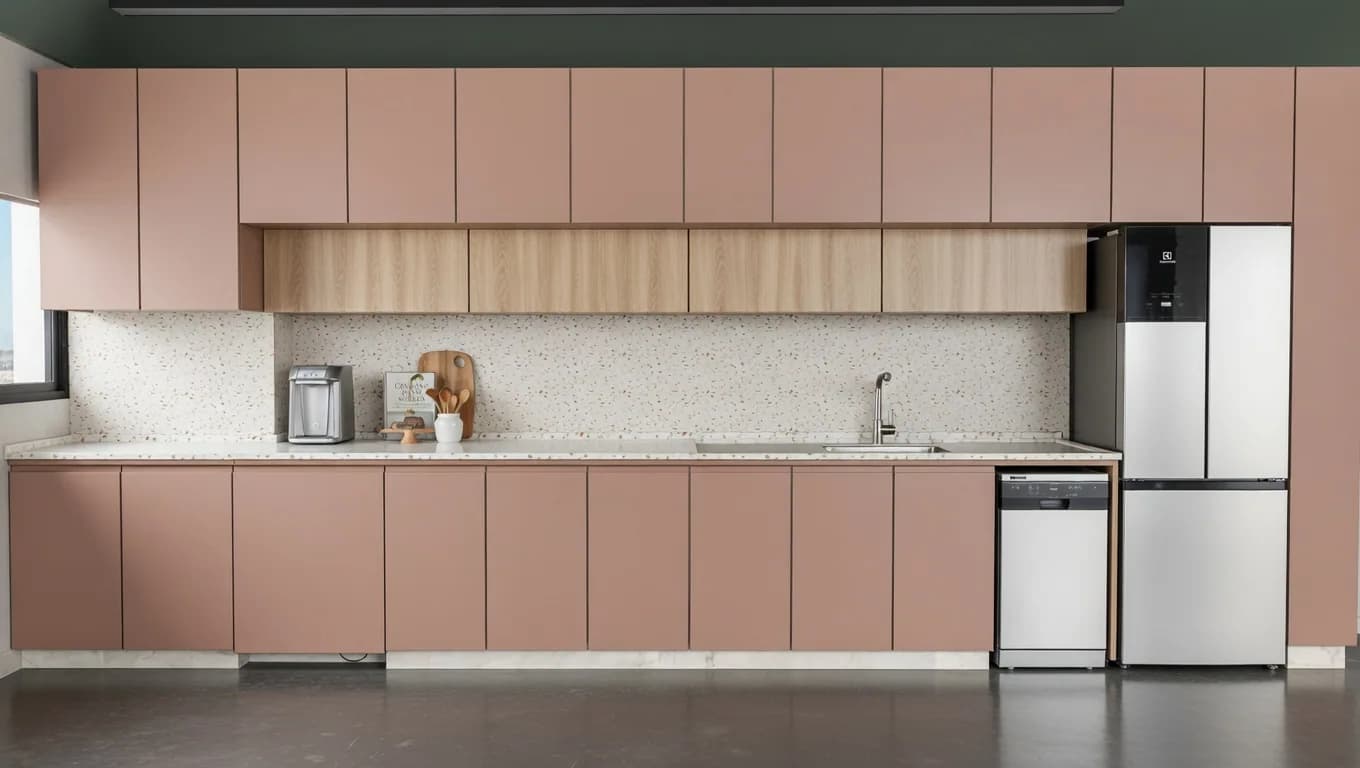
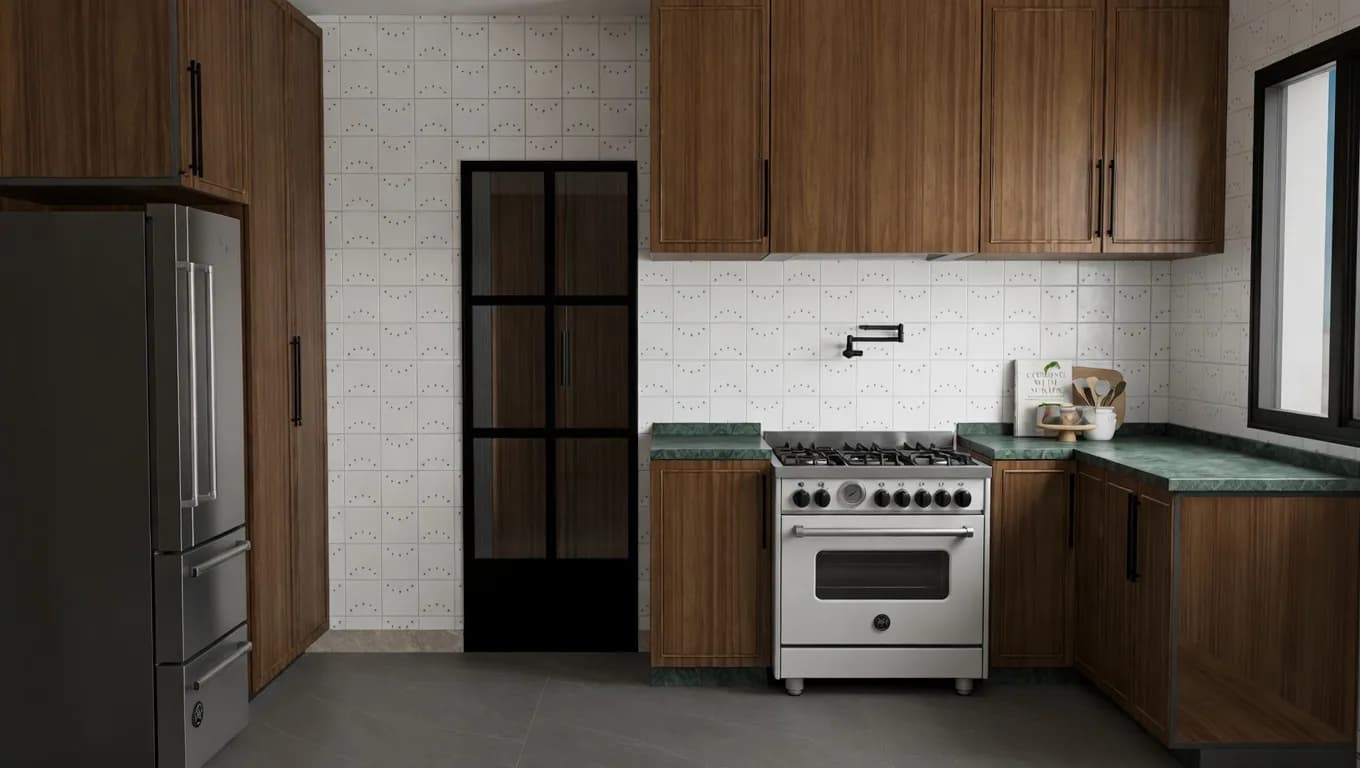
Wood kitchen realistic render
Wood kitchen technical export
Project
Render
Kitchens08

Wood kitchen

cabinetry and appliances stay in place with richer finishes

Proof to look for

Tests whether cabinetry, appliances and warm finishes remain believable when the technical view becomes a render.

Estimated cost
One credit should prove the base kitchen; material variations are a later, confirmed edit.
Fidelity risk
Warm finishes can overtake the proposal, so verify appliances, cabinet layout and wood tone.
Source: technical export or SKP scenePreserves: composition and layoutImproves: lighting and commercial readability

drag to reveal

Try a similar scene

The next step is testing with one of your own project images.

Examples convince, but the real sale happens when an architect sees one of their own scenes preserved and presented better.

Your projects are private by default. You choose what gets published or shared.

Open the workbench