Built for architects, not generic image prompts
ArchScene starts from real project exports, keeps work organized by project and helps studios review, download and present visuals with more confidence.
 SketchUp active
Preferences
AI architecture rendering
ArchScene turns SketchUp scenes and technical project images into client-ready AI architecture renders while preserving layout, camera, proportions and design intent.
For architects looking for an AI rendering tool that improves presentation without changing the approved project.
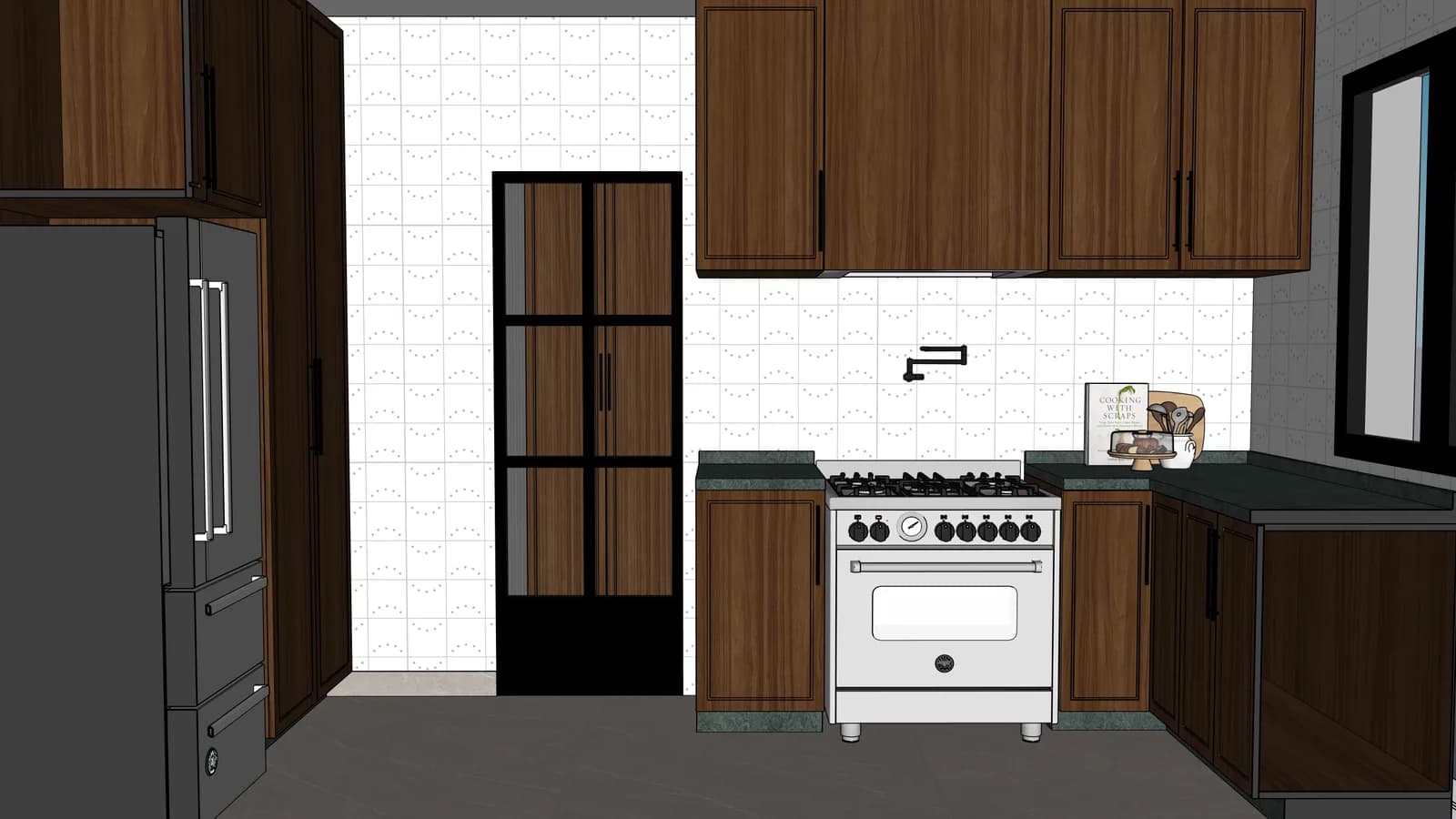
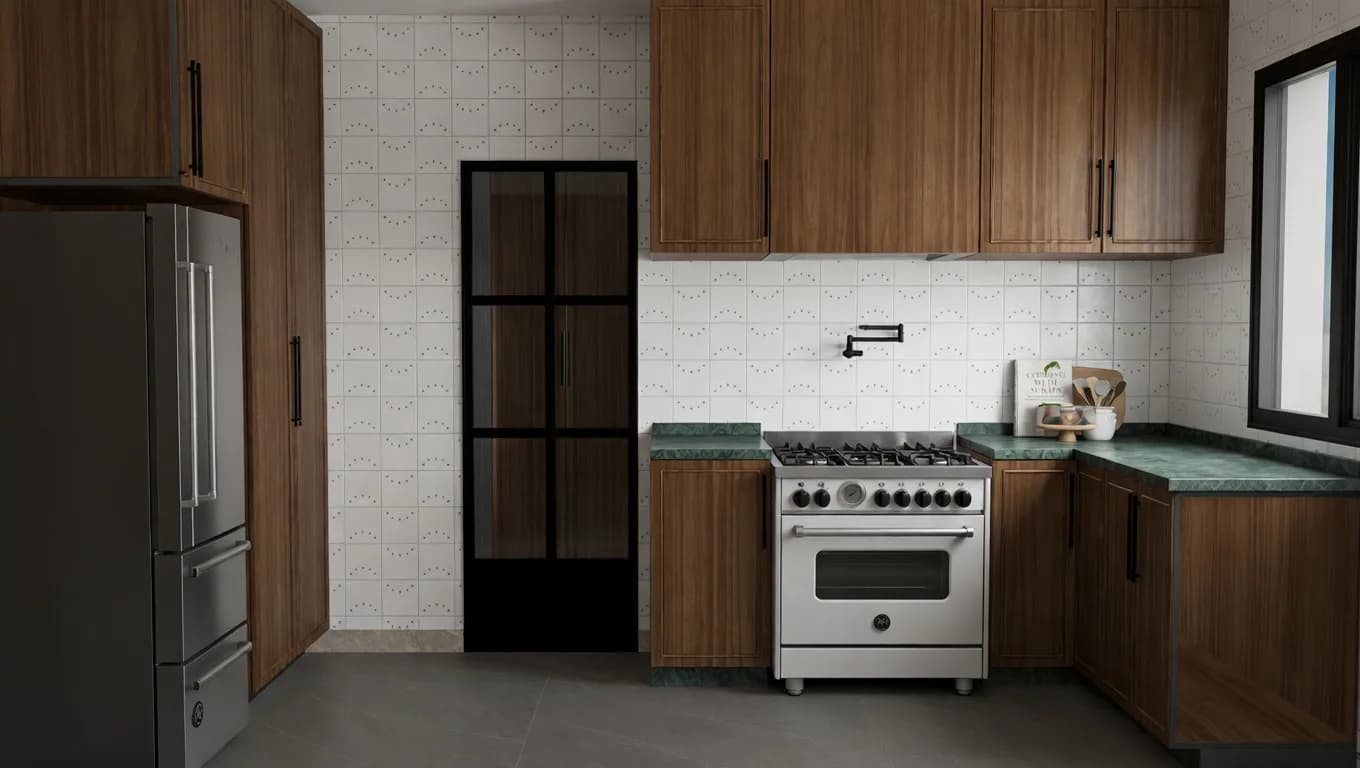
From technical project image to client-ready AI render, preserving the approved kitchen layout.
ArchScene starts from real project exports, keeps work organized by project and helps studios review, download and present visuals with more confidence.
The product language and workflow prioritize preserving the architectural decision before adding better light, material realism and atmosphere.
Projects and renders stay private by default, and the credit cost appears before AI generation so the studio stays in control.
Frequently asked questions
Direct answers for search engines, assistants and architects who want to understand ArchScene before entering the app.
AI architecture rendering uses an existing project image or SketchUp scene as the base and improves light, materials, texture and presentation quality without starting from a blank prompt.
No. The workflow is designed to preserve the approved layout, major furniture, millwork, openings, camera angle and project intent while improving presentation quality.
Yes. When the open beta is available, new accounts can start with free credits and see the credit cost before every AI render action.