Move more views through the same workflow
Instead of rebuilding context for every image, ArchScene keeps scenes, renders and results connected to the same project.
 SketchUp active
Preferences
batch rendering for architects
Batch rendering for architects: select multiple project scenes, see credit cost upfront and produce organized AI renders for review, delivery and presentation.
For studios that need to render several architectural views faster without losing project control.
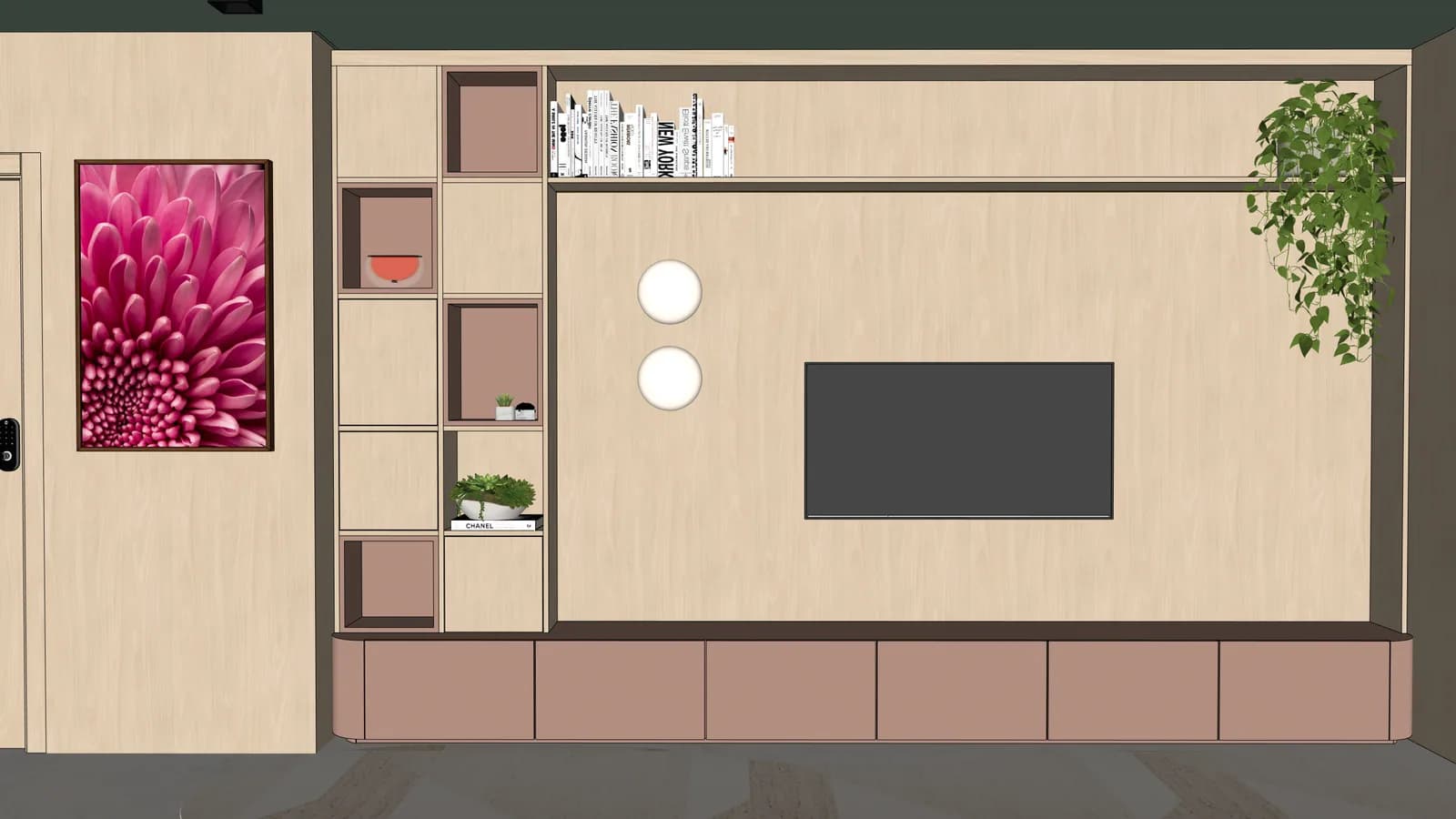

A batch workflow helps the whole project move from technical images to presentation visuals.
Instead of rebuilding context for every image, ArchScene keeps scenes, renders and results connected to the same project.
The user sees how many credits will be spent before rendering, reducing billing surprises during beta and paid use.
Completed renders can become comparison material, favorites, downloads or a clean presentation asset for the client.
Frequently asked questions
Direct answers for search engines, assistants and architects who want to understand ArchScene before entering the app.
It is a workflow for processing several scenes or technical images from the same project instead of generating one disconnected render at a time.
Yes. ArchScene shows the credit cost before rendering so the studio can choose exactly which scenes enter the batch.
Yes. Finished renders can be reviewed, opened, downloaded and organized inside the project gallery.