A practical bridge from model to presentation
Architects can keep designing in SketchUp and use ArchScene as the visual workbench for client-facing renders.
 SketchUp active
Preferences
SketchUp AI rendering
Send SketchUp scenes or technical exports to ArchScene and generate realistic AI renders for review, proposals and portfolio without manually prompting each view.
For SketchUp users who need fast, faithful AI renders from existing architecture scenes.
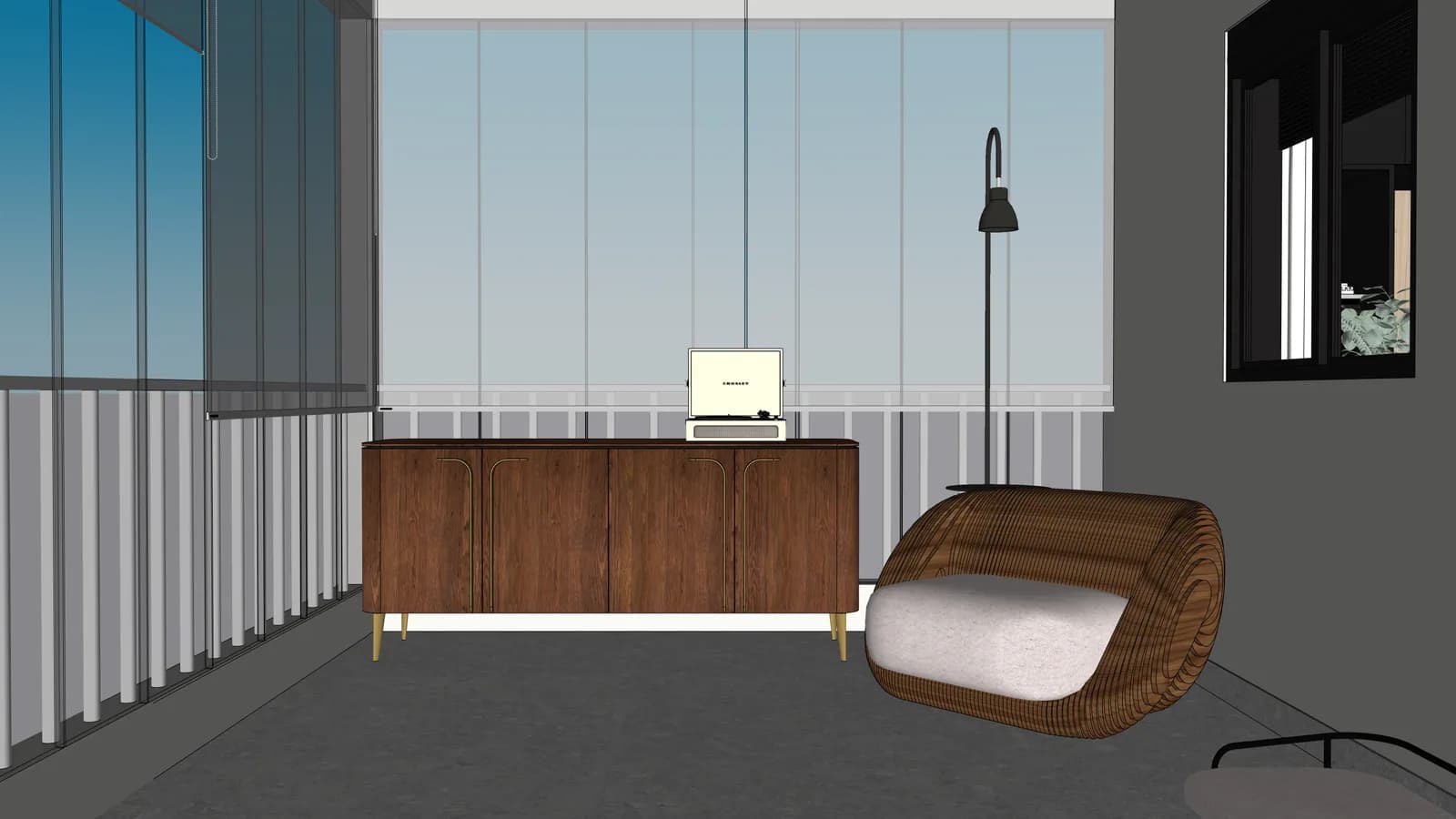
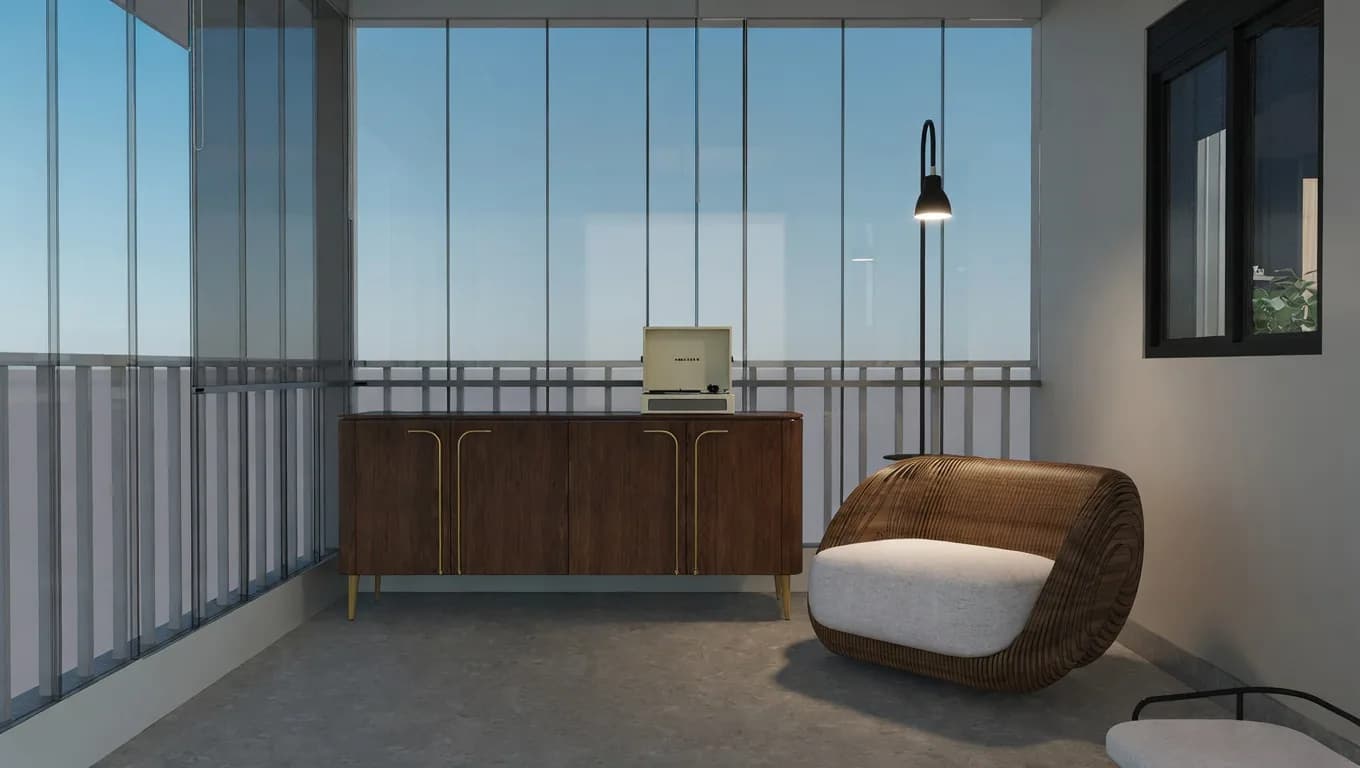
SketchUp scene to AI render with stronger materials and lighting while preserving spatial reading.
Architects can keep designing in SketchUp and use ArchScene as the visual workbench for client-facing renders.
Scenes are organized by project so results, favorites and downloads do not get lost in folders of loose images.
Uploaded scenes can be reviewed, selected and rendered with the credit cost shown before the action starts.
Frequently asked questions
Direct answers for search engines, assistants and architects who want to understand ArchScene before entering the app.
No. SketchUp remains the modeling tool. ArchScene receives scenes or exported images and turns them into presentation-ready renders.
Yes. The workflow supports batches so a studio can process several views from the same project with clearer cost and review control.
The approved layout, camera angle, proportions, major openings, millwork and primary furniture should remain recognizable.